
Demos Widgets News GitHub

Cross-platform Declarative GUI framework for Go

Native ✅ desktop and ✅ mobile interfaces written in ordinary Go.

Read the Tutorial View on GitHub
Process monitor with a table, resource charts, and process details
Process Monitor
Git history viewer showing commits and a detailed source diff
Git History Viewer
Kanji flash cards app showing readings and example words on iPhone
Kanji Flash Cards

Native Go

• Not HTML or JavaScript.
• Small executable files.

Declarative UI

• Describe what the UI should look like.
• Don't manage widget lifecycles.

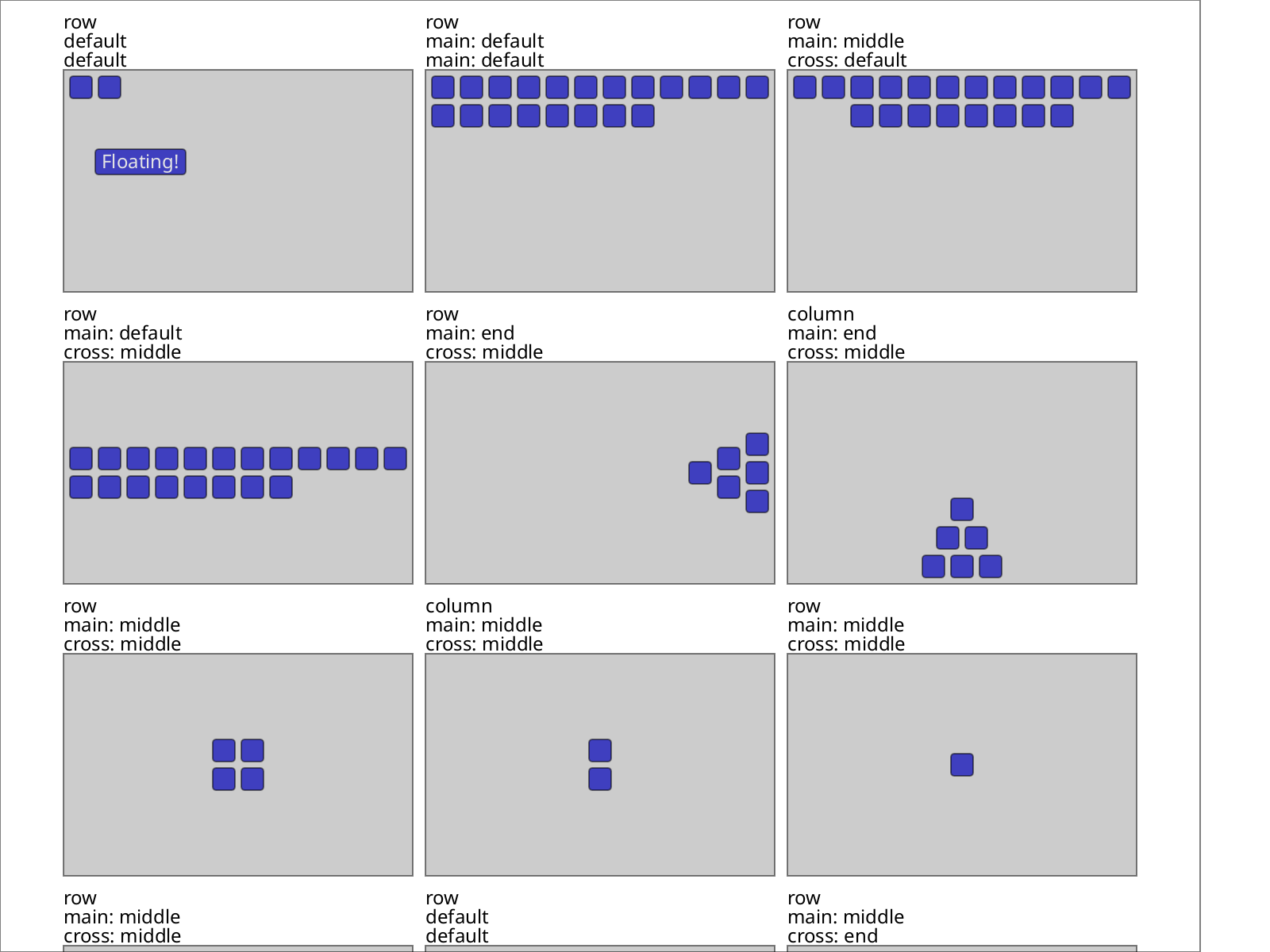
Flexbox-style layout

• Familiar, flexible auto layout.
• Don't calculate placement.

A complete, runnable demo

Small enough to read in full, but complete enough to copy into a file, build, and run as-is.

package main

import (
    app "go.hasen.dev/shirei/app"

    . "go.hasen.dev/shirei"
    . "go.hasen.dev/shirei/widgets"
)

func main() {
    app.SetupWindow("Small Demo", 400, 200)
    app.Run(RootView)
}

var name string
var response = "Please give me your name"
var colorBG bool = true

func RootView() {
    ModAttrs(Gap(10), Background(220, 20, 97, 1))
    if colorBG {
        ModAttrs(Background(220, 20, 94, 1))
    }

    Container(Attrs(Pad(20), Gap(10)), func() {
        Label("Name:", FontWeight(WeightBold))
        Container(Attrs(Row, CrossMid, Gap(10)), func() {
            TextInput(&name)
            if Button(SymInfo, "Hello") {
                if name == "" {
                    response = "Uh, sorry who are you again?"
                } else {
                    response = "Well, hello " + name + "!"
                }
            }
        })
        Label(response)
    })

    Container(Attrs(Expand, Row, CrossMid, Pad2(10, 30), Gap(10), Background(0, 0, 98, 1),
        BoxShadow(2), BorderWidth(1), BorderColor(0, 0, 0, 1)), func() {
        ToggleSwitch(&colorBG)
        Label("Subtle Color Background")
    })
}

Run this demo in your browser →

The WebAssembly build downloads only after you open it.

Explore more live demos

Latest release

» Shirei v0.6.6 — Release packaging

Getting Started

Import package name: go.hasen.dev/shirei

Github repo: https://github.com/hasenj/go-shirei

Copy the code sample above to a new file in an empty directory, then run the following to download the dependencies:

❯ go mod init main
❯ go mod tidy
❯ go run .

You can browse the demo directories on the github repo for more examples.

Read the Tutorial →

Core Features

For the full picture — the application model, layout mechanics, colors and text styling, interaction, application patterns, and a reference section of common mistakes — see the full tutorial.

Examples

The following example programs ship with Shirei and are useful programs in their own right.

git_history

Commit log and stacked unified diffs, with fast search for logs and diffs.

haystack

Find-in-files, very fast & implemented in pure Go.

process_monitor

A cross-platform task manager: macOS, Linux, Windows.

dir_weight

A disk-usage visualizer with a background scan queue.

piano

A playable keyboard with a few synth voices — works well on desktop and mobile (multi-touch).

fontviewer

Quickly visualize all system fonts at a glance. Helps you quickly choose a font.

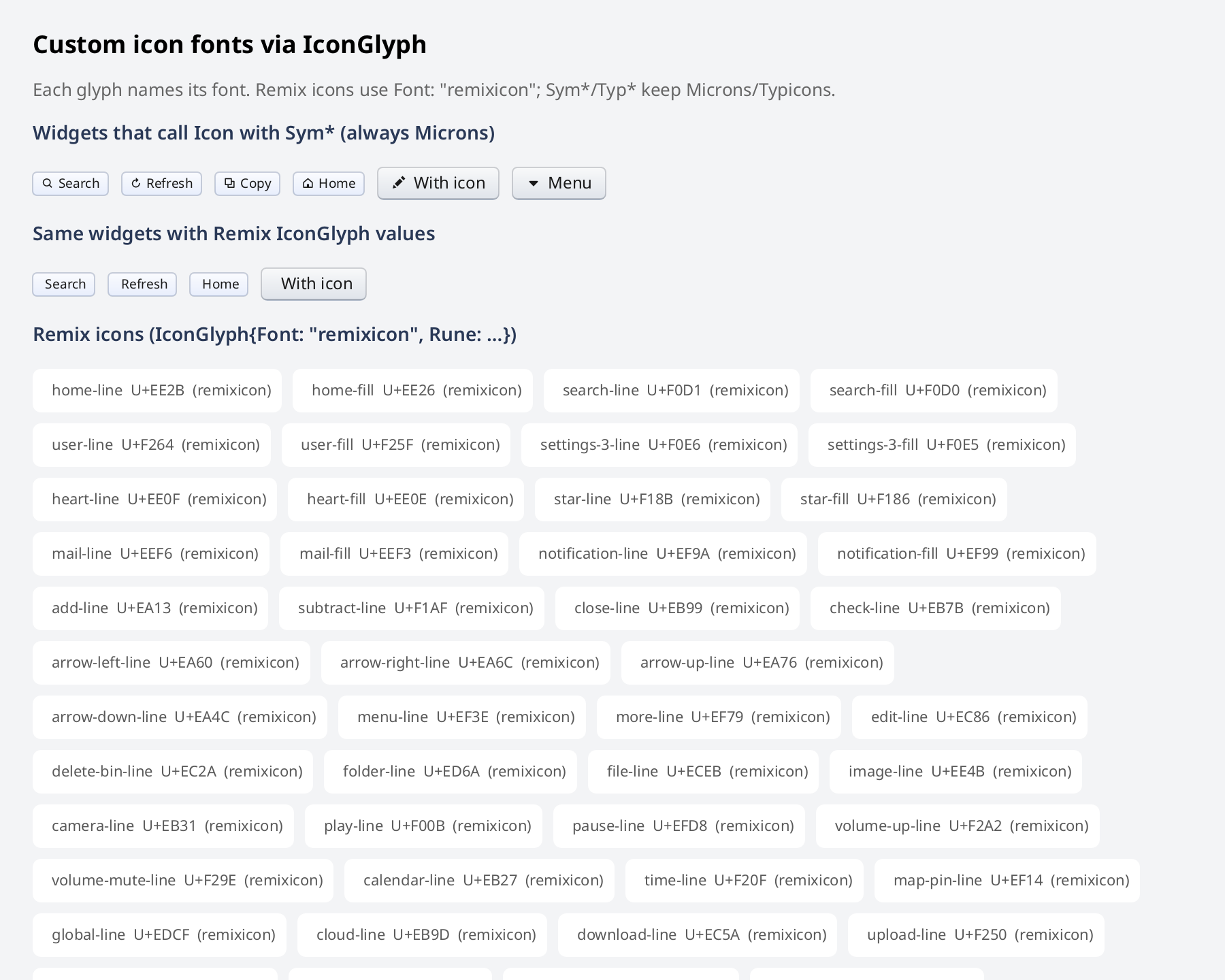
icons

A filterable gallery of the bundled icon fonts.

see_pprof

Visualizes profiling data from .pprof files in a GUI app; without launching a web server.

see_exe

See which bundled packages are taking space in your statically linked Go executables.

hacker-news-reader

Hacker news feed and comment threads. Powered by the firebase hacker news API.

Each card links to that example's directory on GitHub, with a README and the full source. They live under examples/ in the go-shirei repo and run with go run ./examples/<name> after cloning.