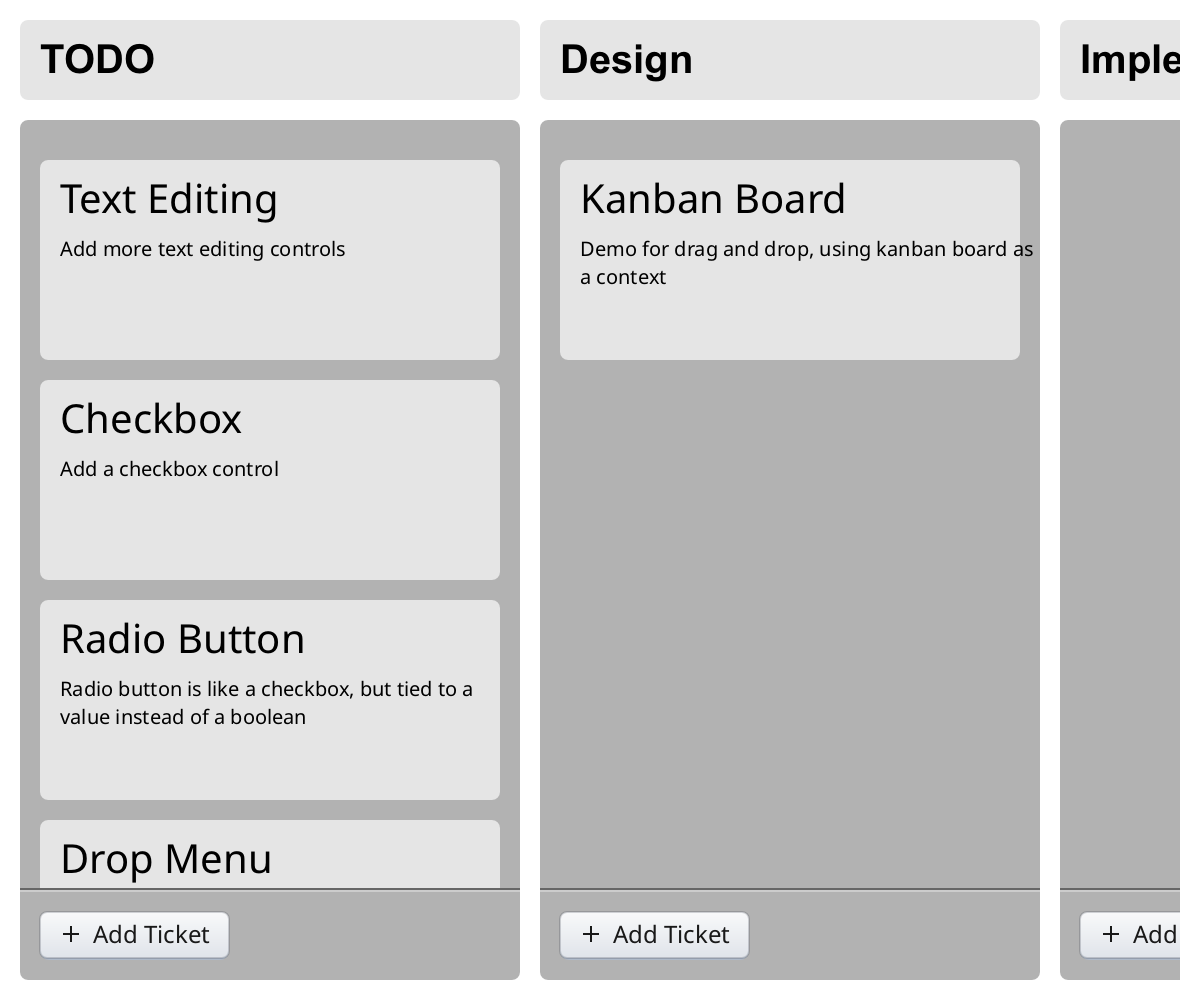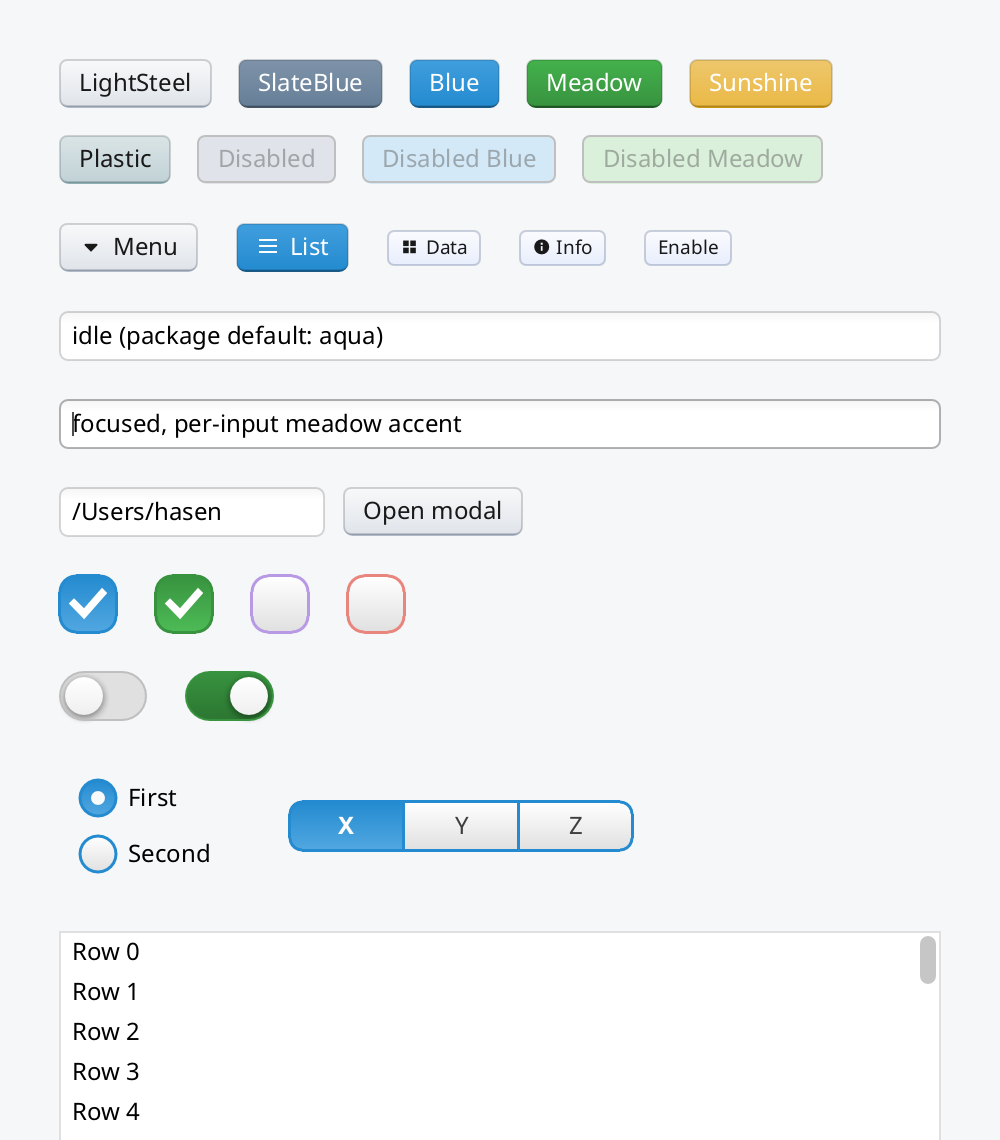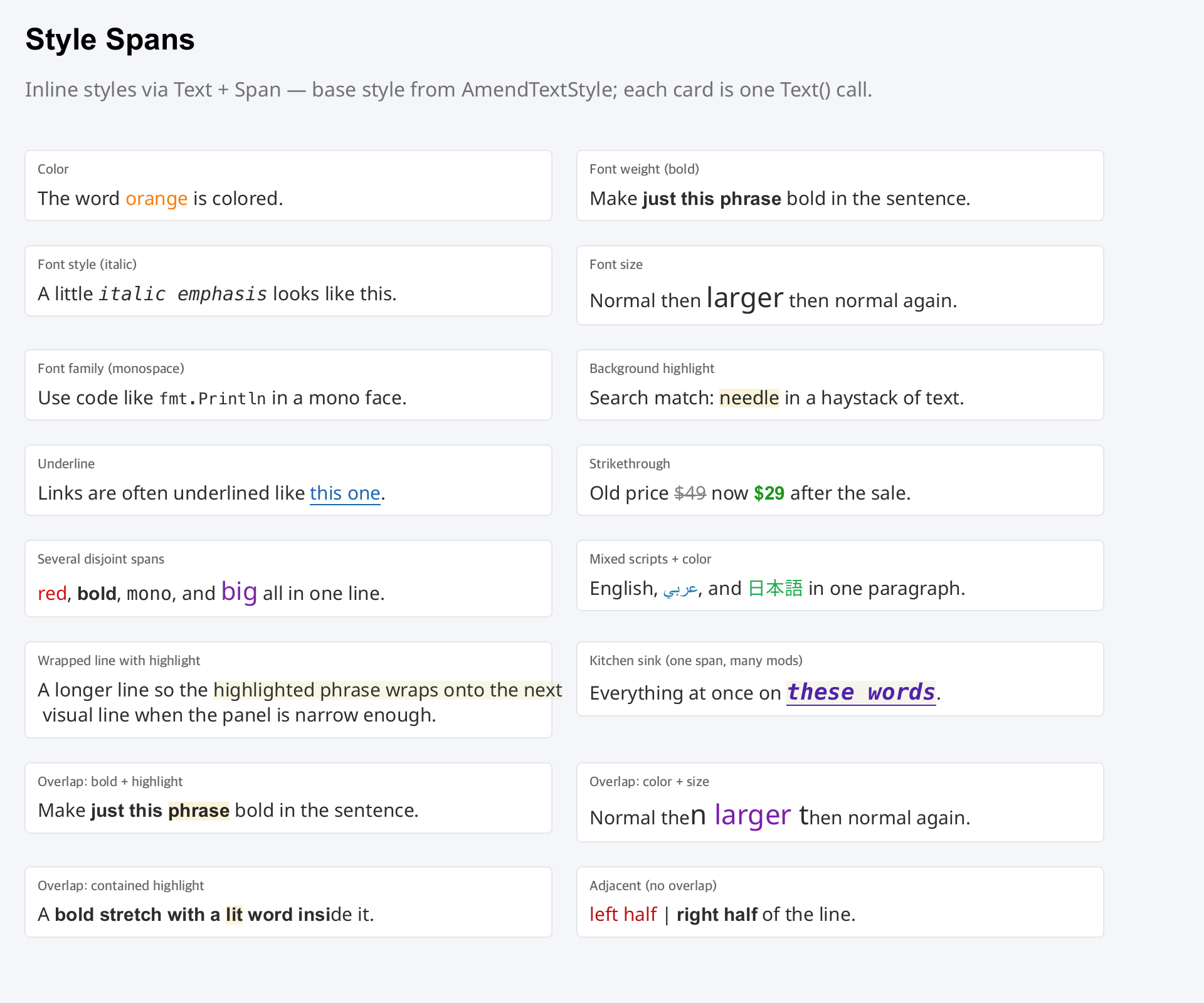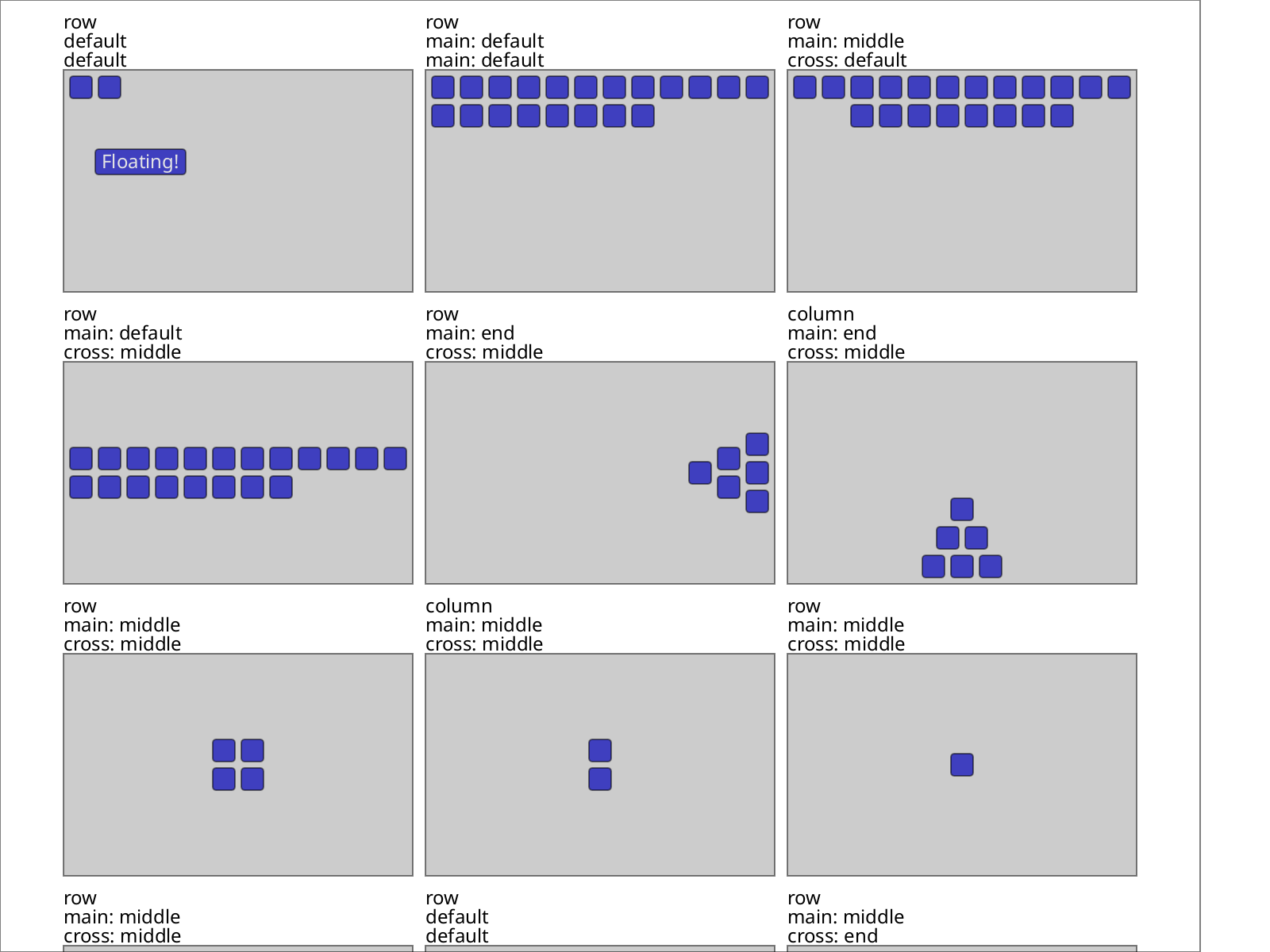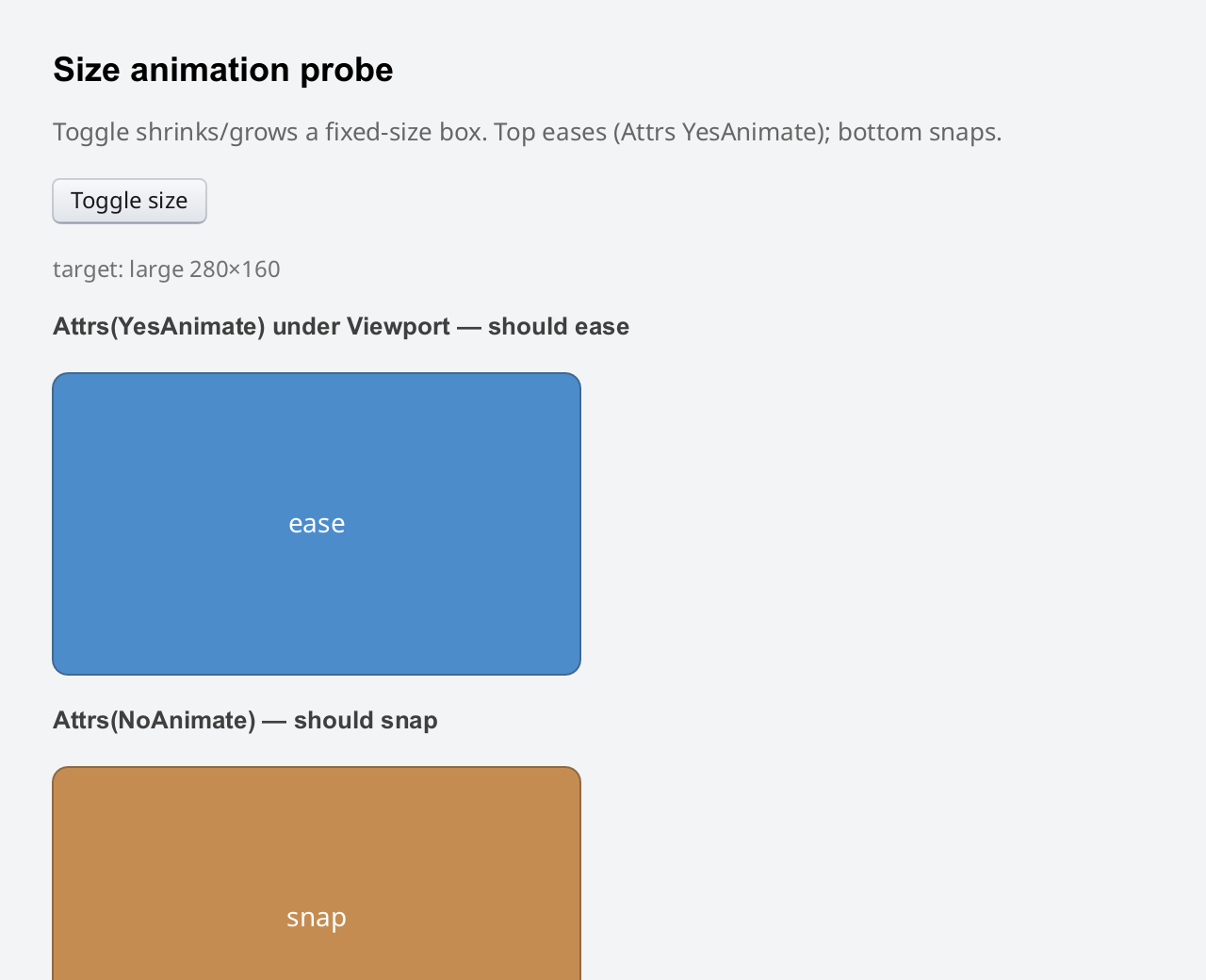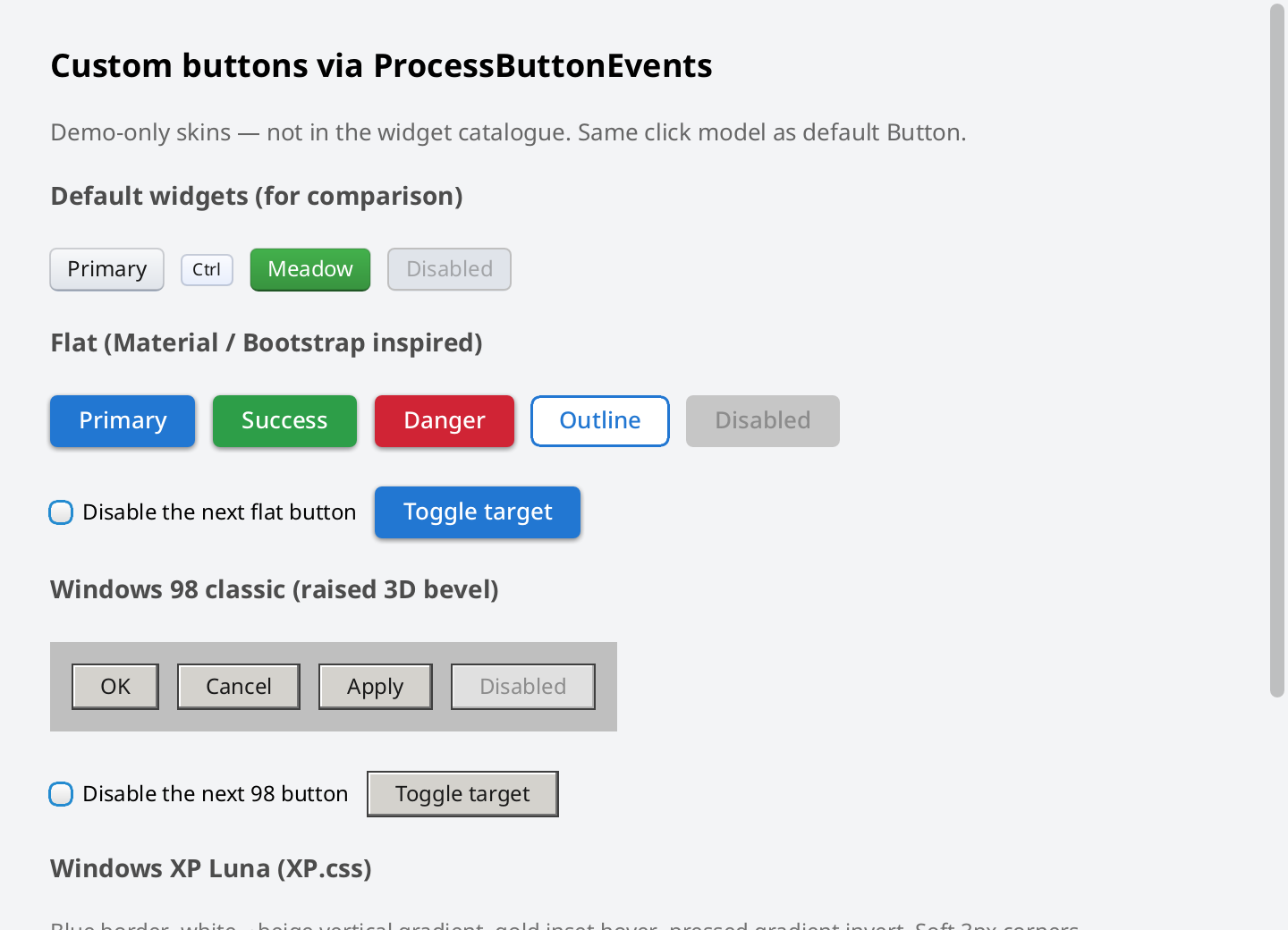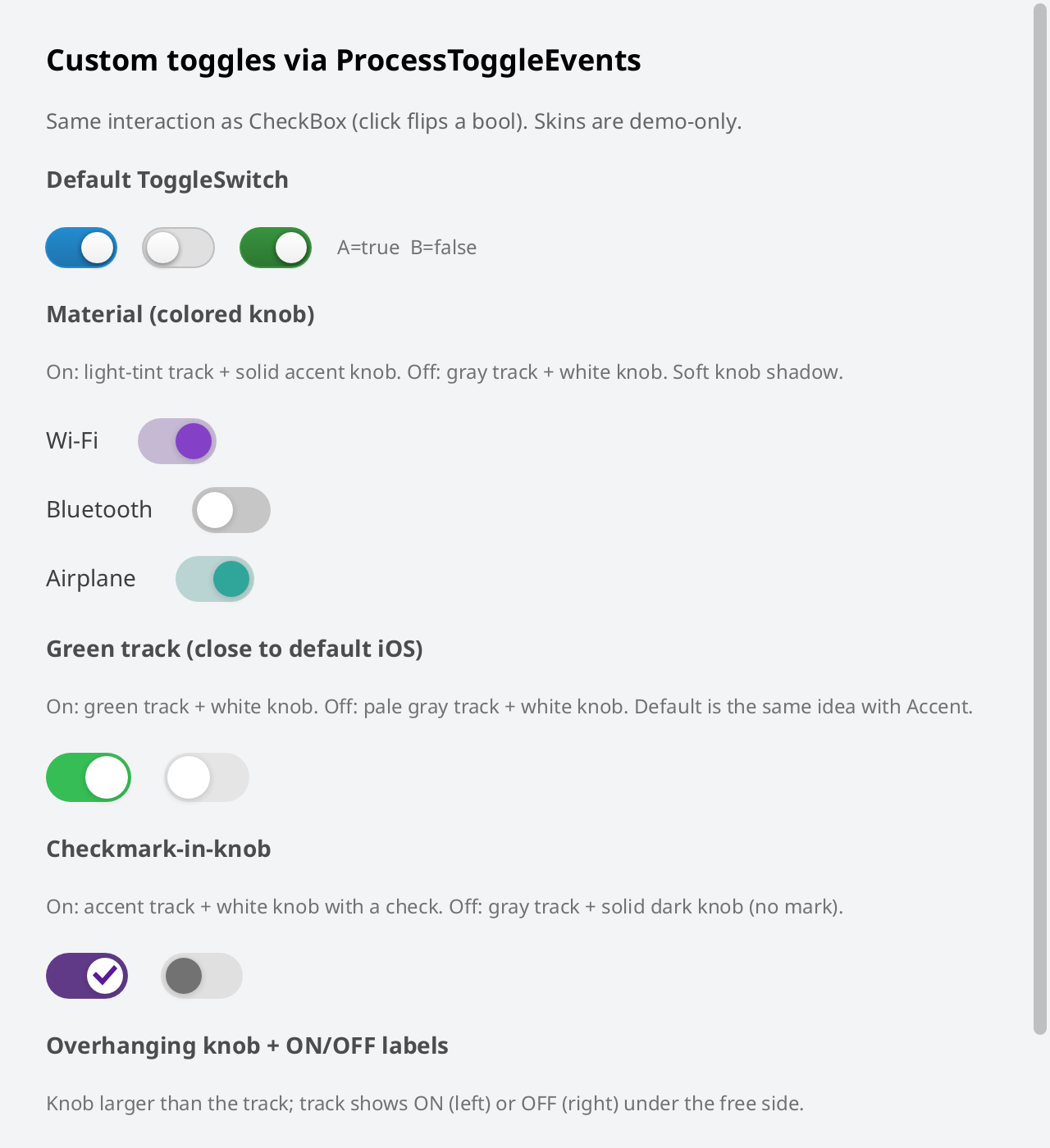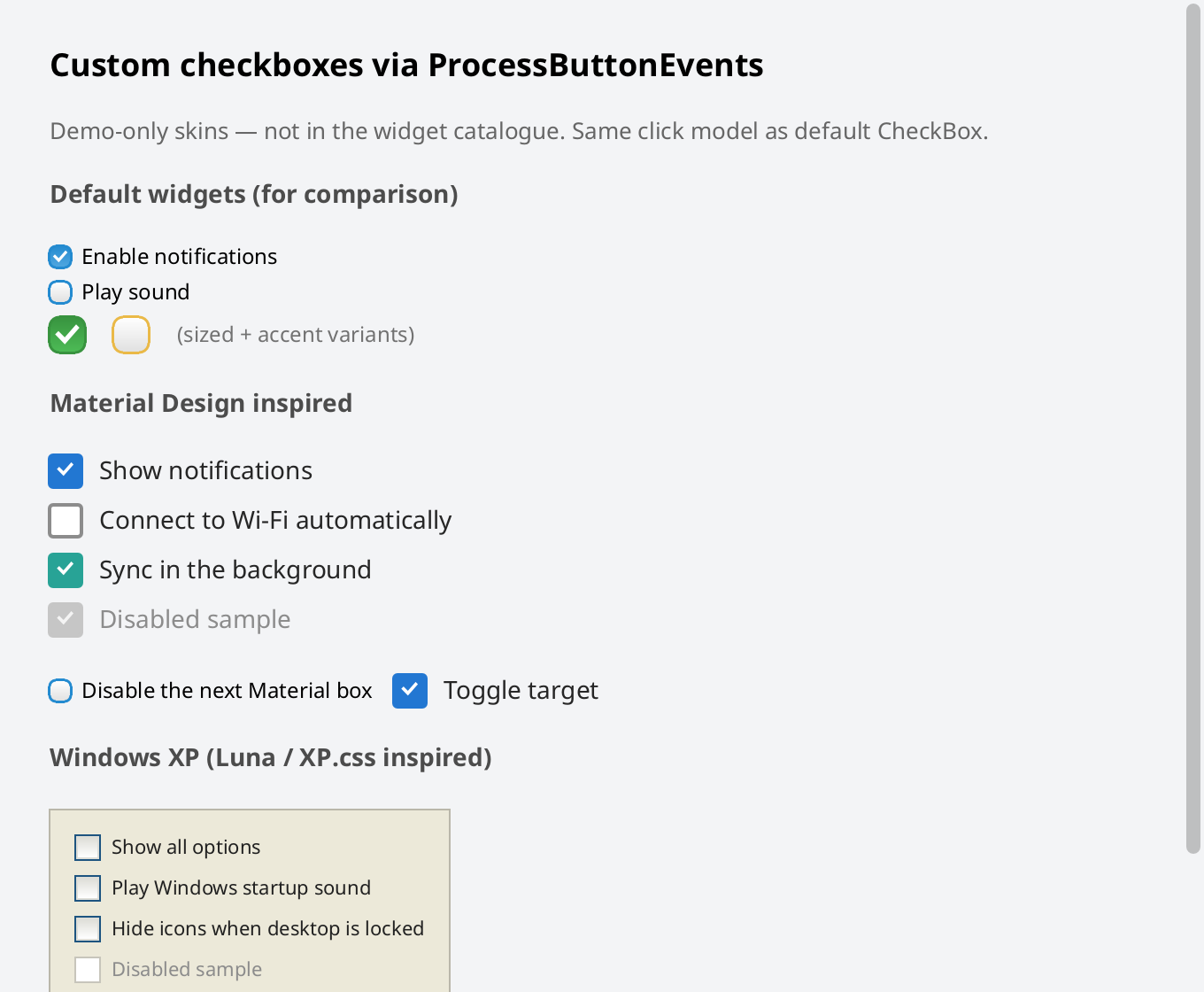

"Shirei" derives from the Japanese spelling of "Simple Layout".シンプル・レイアウト → シレイ
Note: Shirei is still work in progress!
Latest release
Getting Started
Import package name: go.hasen.dev/shirei
Github repo: https://github.com/hasenj/go-shirei
Copy the code sample above to a new file in an empty directory, then run the following to download the dependencies:
❯ go mod init main
❯ go mod tidy
❯ go run .
You can browse the demo directories on the github repo for more examples.
Features
-
Native. Real computer program (binary executable): not a "web page".
This project was born in large part out of frustration with the web browser becoming the defacto GUI framework for everything.
We do not enjoy creating complex UIs using web technologies. The process is too complicated, and the result is unsatisfying.
-
Cross platform. Same codebase to produce programs for macOS, Windows, and Linux.
-
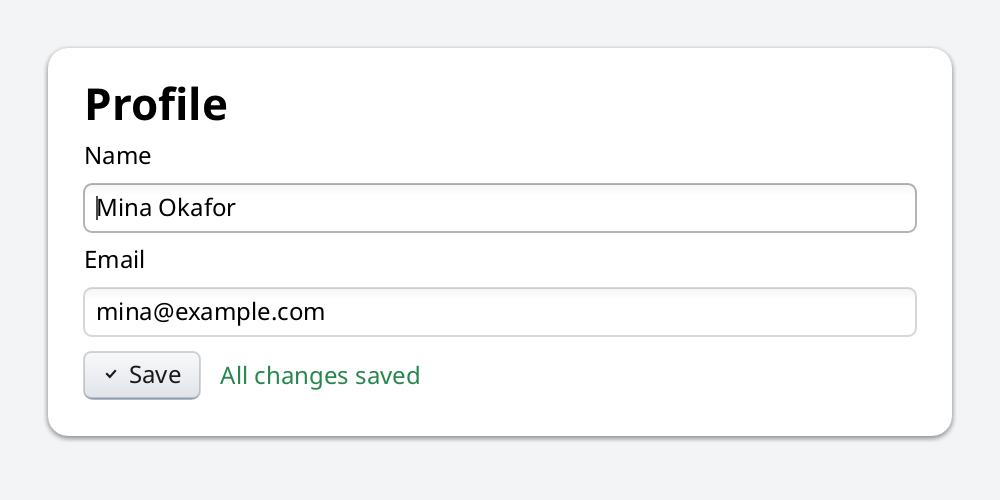
No boilerplate setup. Just provide your root view function.
Many native immediate mode libraries require a lot of setup boilerplate before you can start using them. This creates high friction, which we aim to remove.
-
Highly ergonomic. UI builder code does not have to be "noisy".
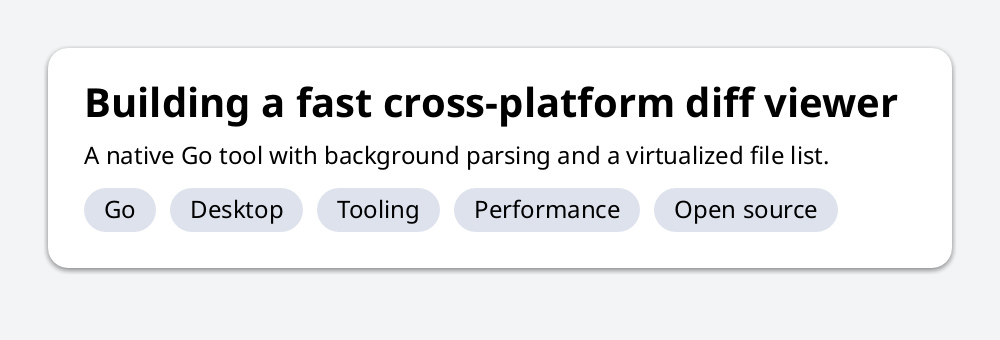
Most of the time, you will just be creating a UI hierarchy, laying out items and specifying attributes; not so different from creating a dom hierarchy and styling it.
-
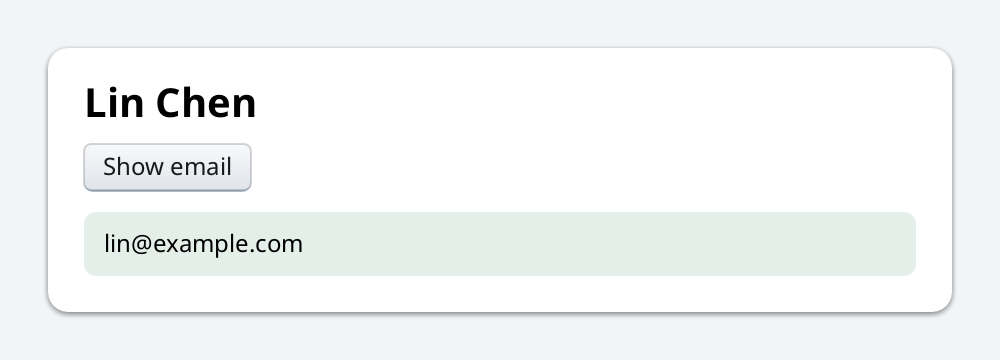
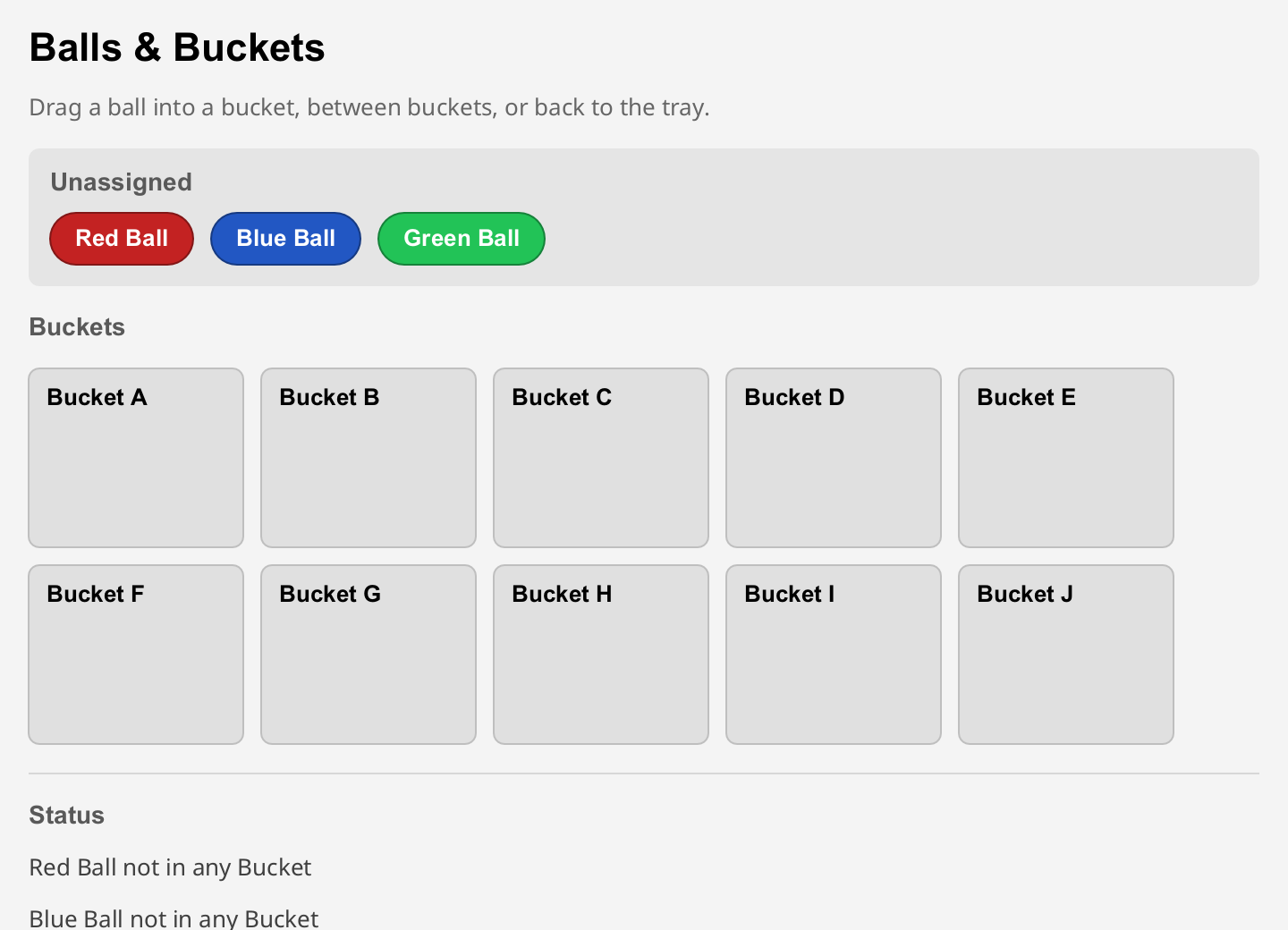
Immediate mode style. Describe what the UI should look like. No need to create or manage "widget" objects or retain their states in your code.
Easily build dynamic UIs with fluid interactions with no code for book keeping widget references or states.
-
Practical. Tailored towards useful utility-style computer programs; fancy graphics are de-prioritized.
-
Robust text support. Complex script shaping, bidirectional layout, and access to system fonts.
-
Flexbox style layout. Containers arrange items horizontally or vertically, with options for padding, gaps, alignment, wrapping, floating, scrolling, and size expansion.
Examples
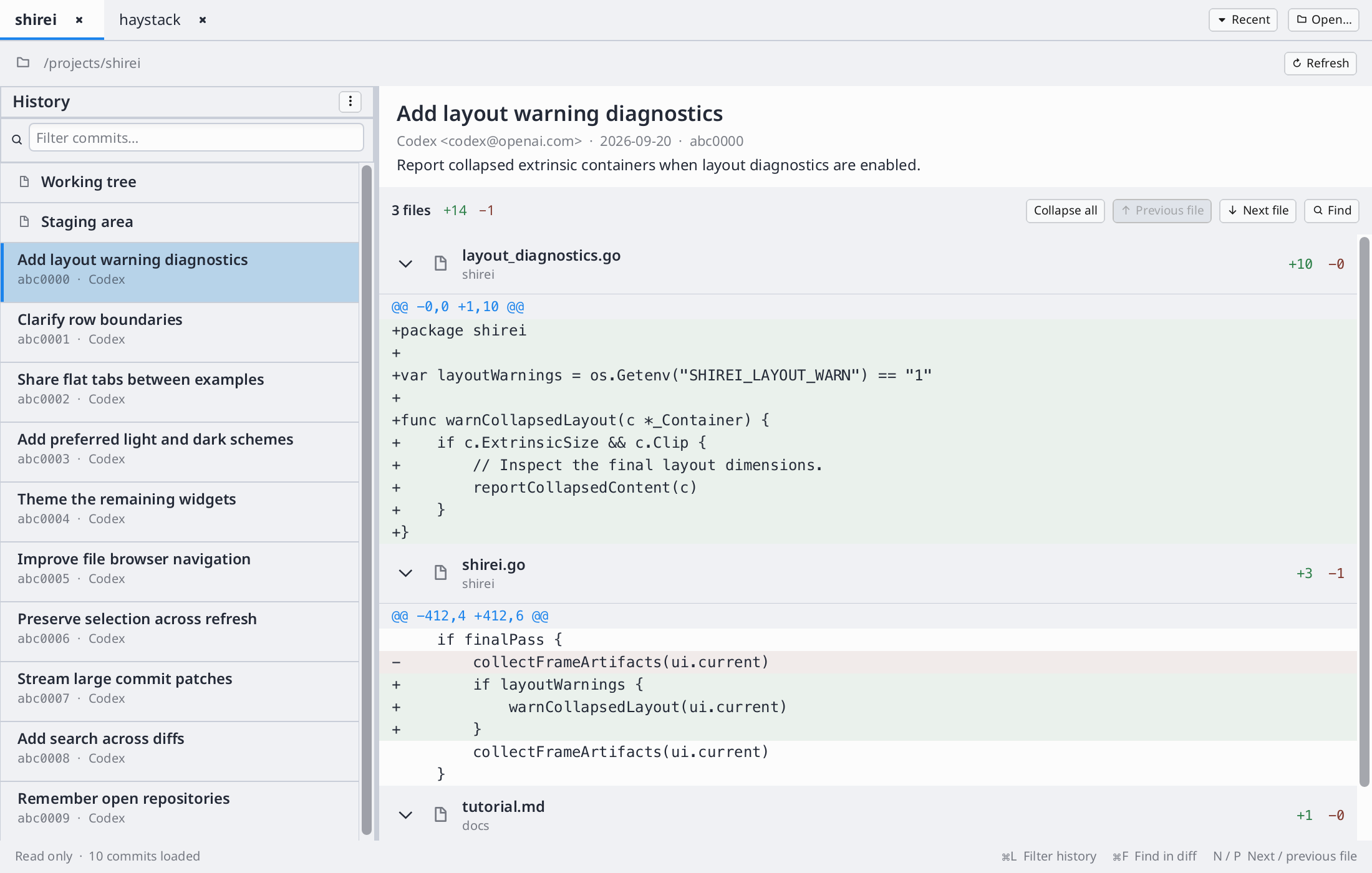
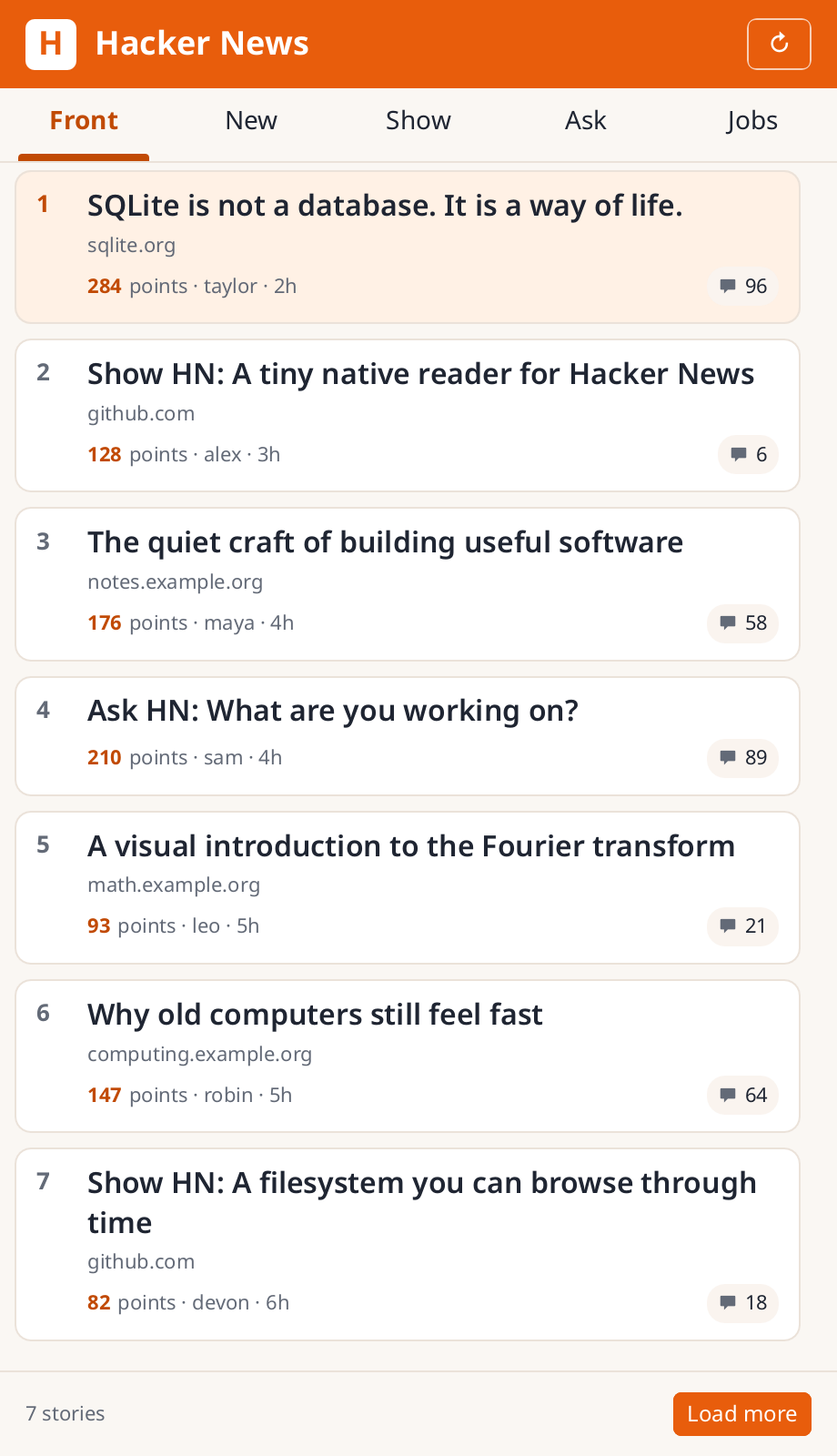
These are real, working programs, not toy demos — each one is a small utility
its author reaches for regularly, built to find out what Shirei feels like on
something bigger than a snippet. The screenshots below were taken manually so
each app is shown in a useful state; the same programs also support headless--png frames for snapshot tests.
Start with haystack if you only look at one — it's the biggest of the eight, and the best showcase of what Shirei feels like day to day.

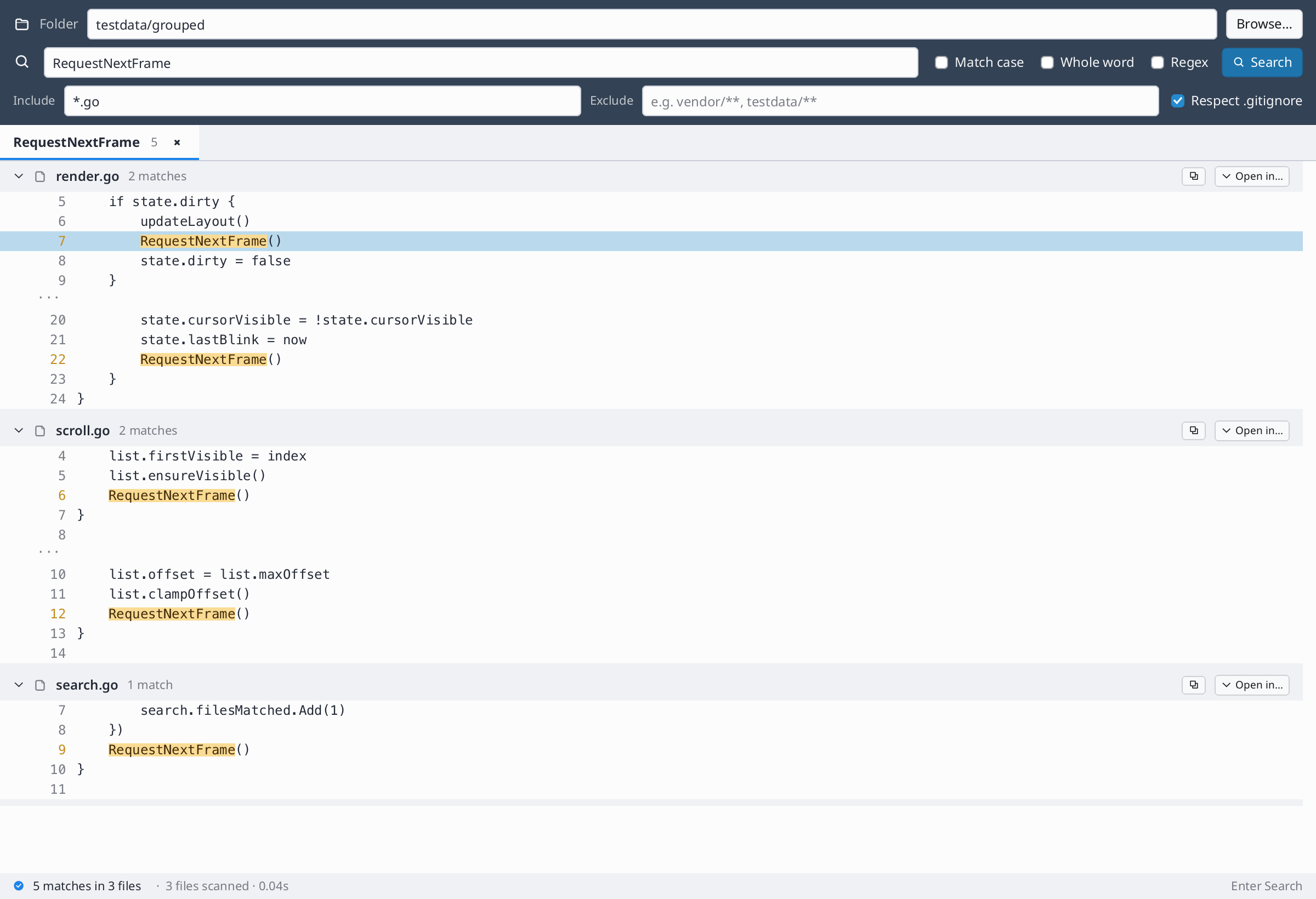
haystack
Find-in-files, streamed live into a virtualized list.

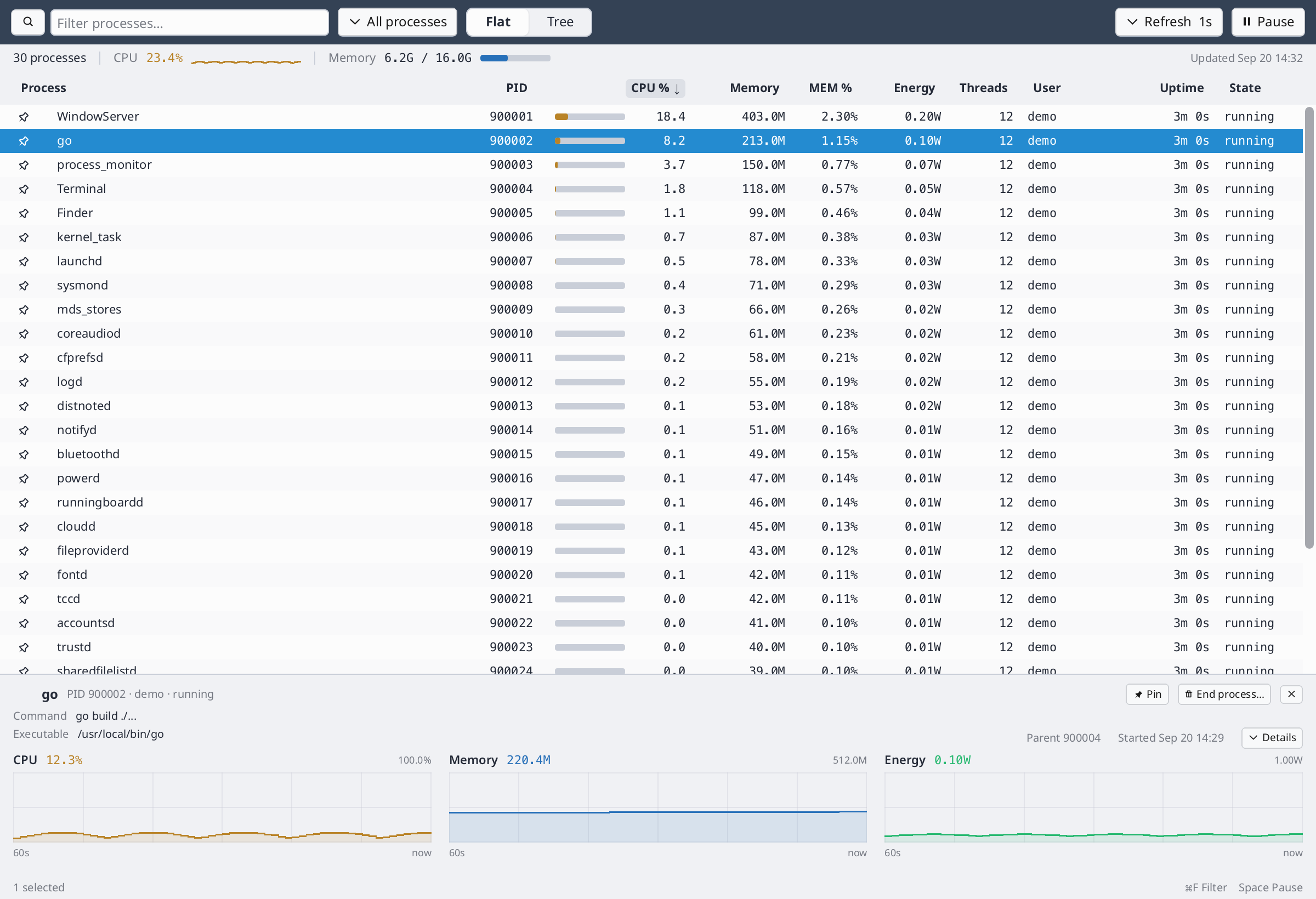
process_monitor
A cross-platform task manager: macOS, Linux, Windows.

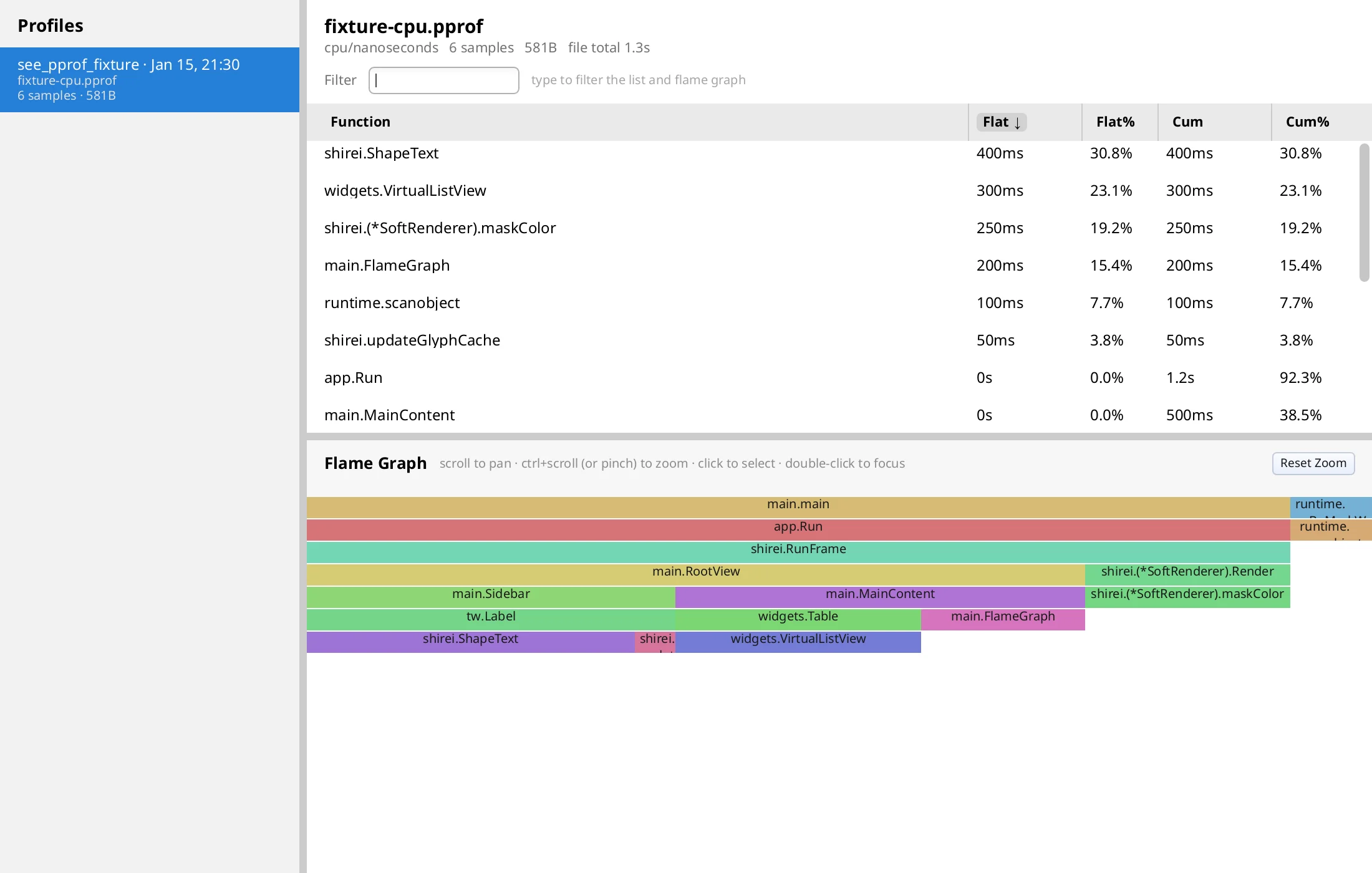
see_pprof
A native alternative to go tool pprof -http.

see_exe
What's inside a built Go binary, module by module.

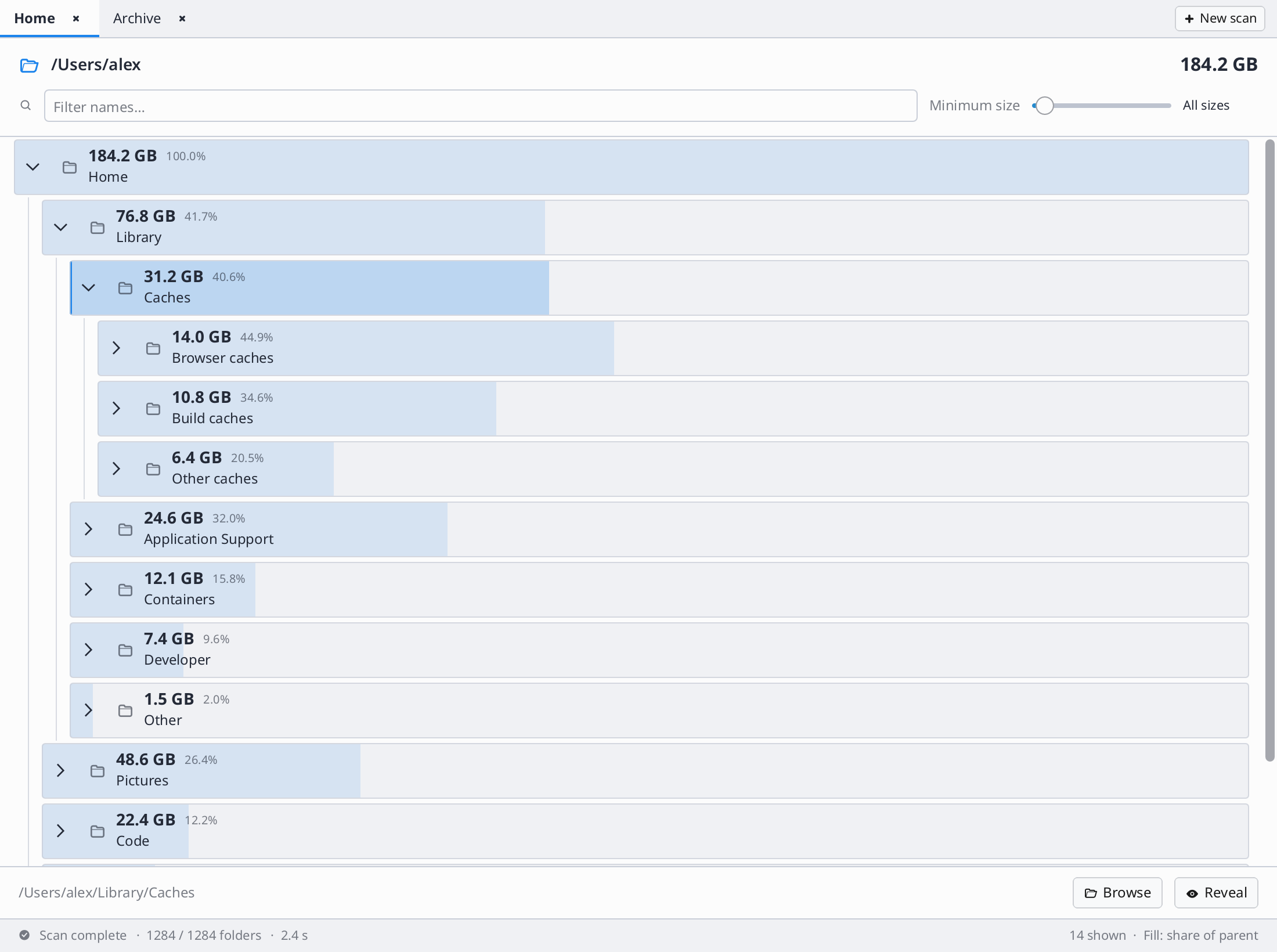
du
A disk-usage visualizer with a background scan queue.

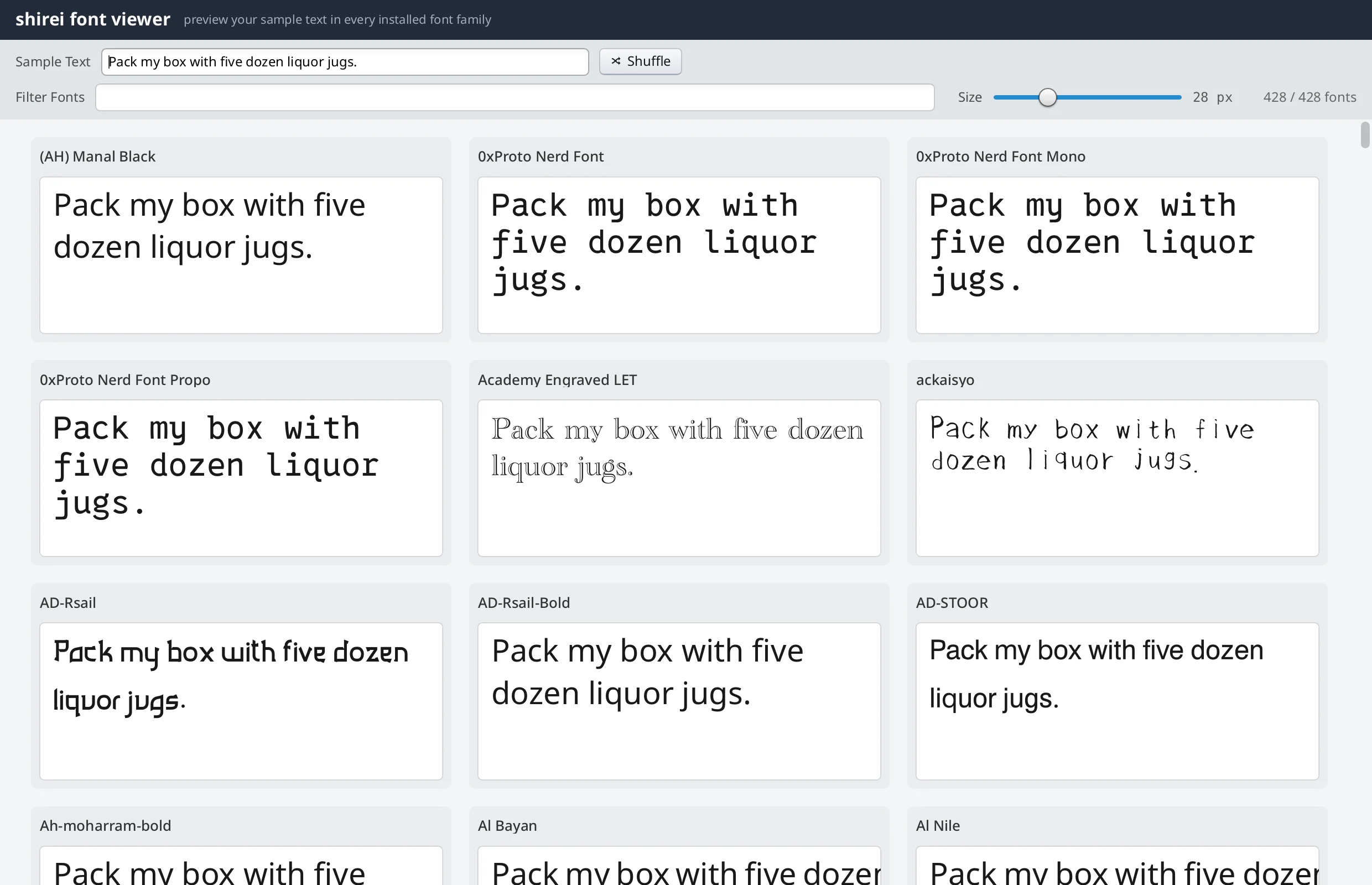
fontviewer
Every system font, rendering your own sample text.
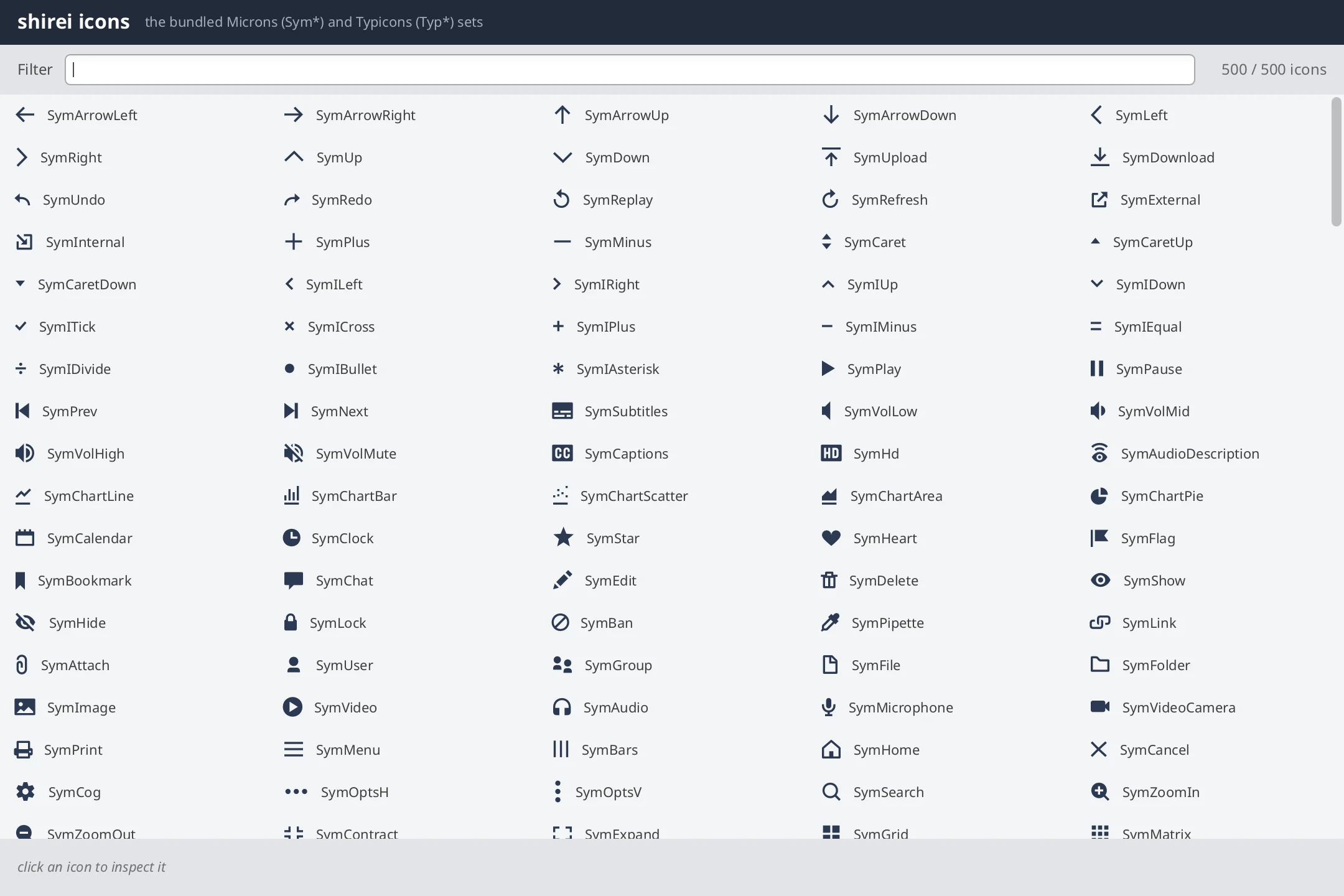
icons
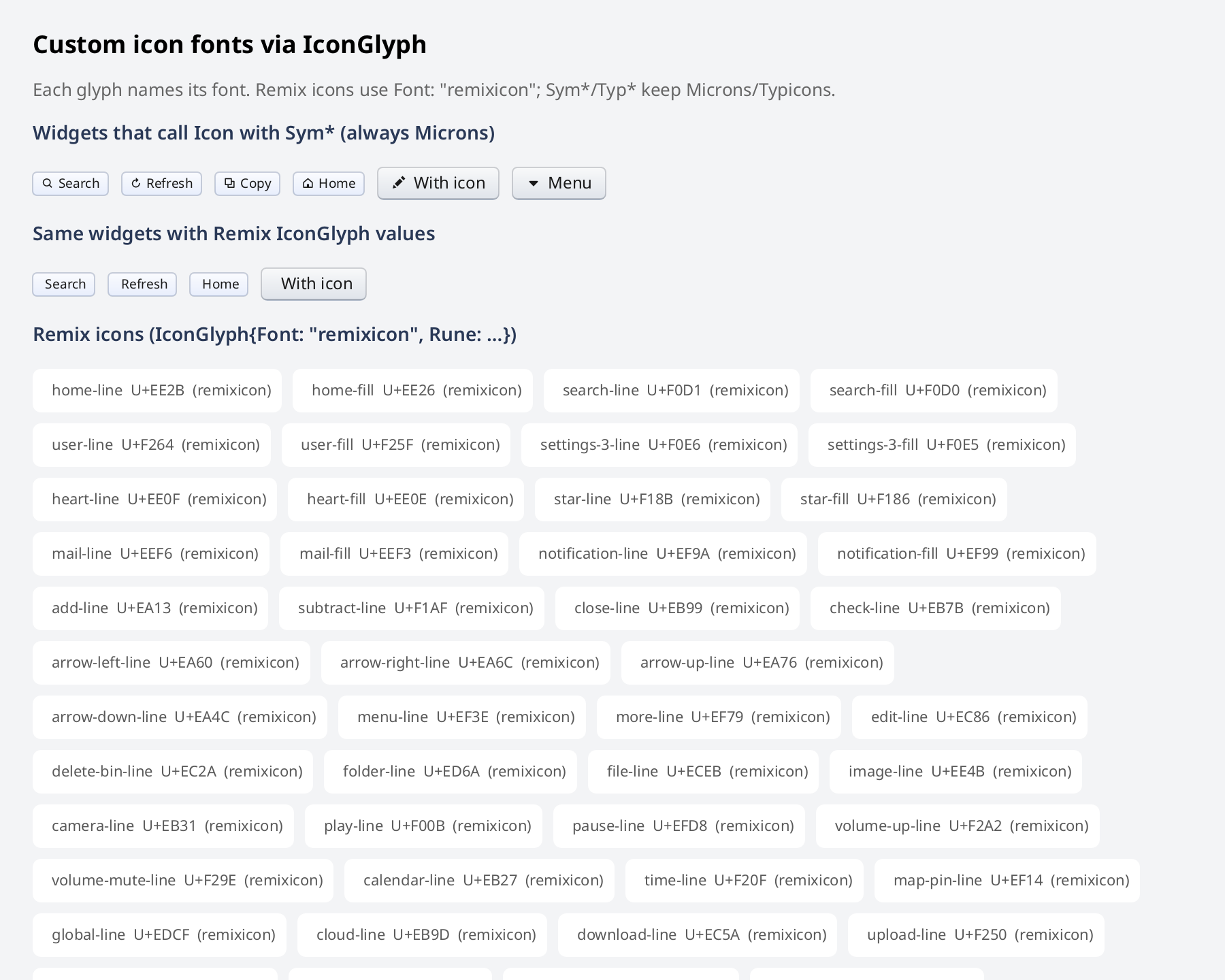
A filterable gallery of the bundled icon fonts.

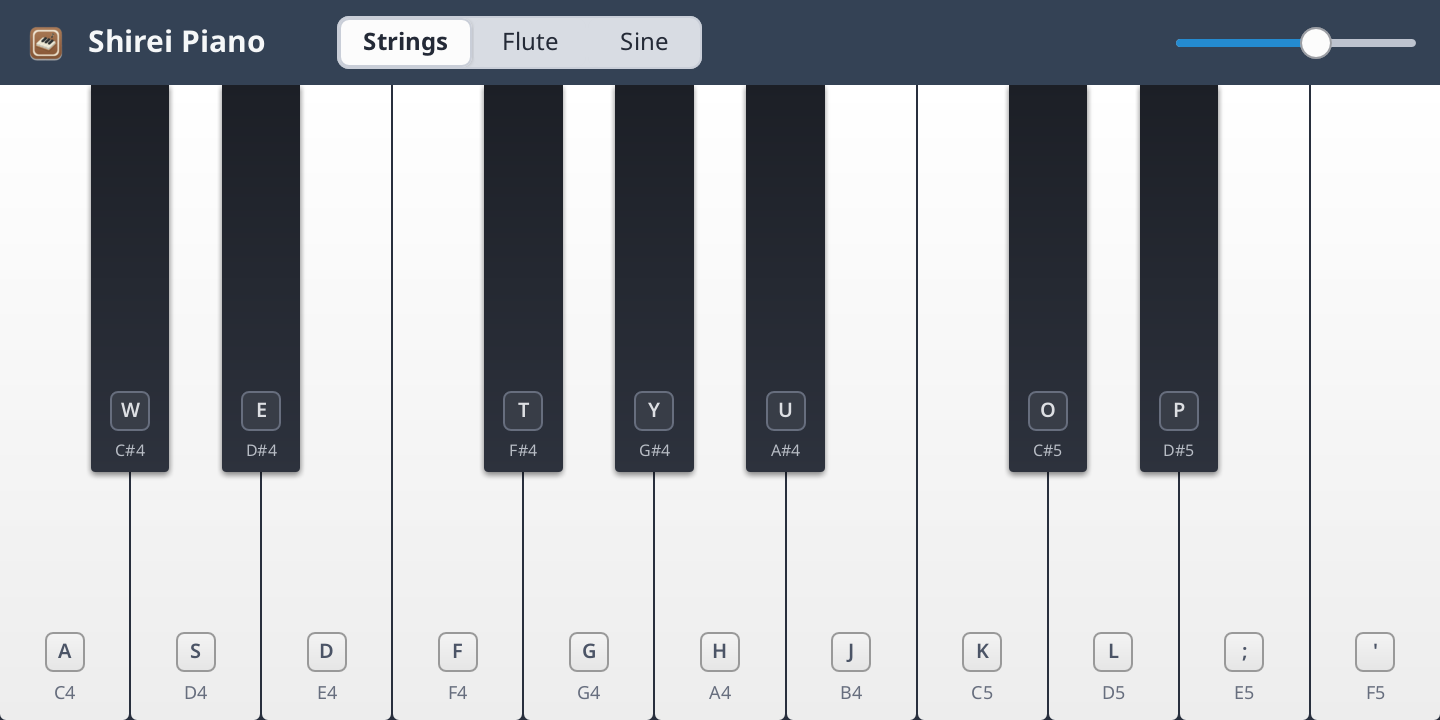
piano
A playable keyboard over a Karplus-Strong string synth.
Each card links to that example's directory on GitHub, with a README and the full source. All eight live under examples/ in the go-shirei repo and run with go run ./examples/<name> after cloning.
Known Issues & Limitations
The following are known issues and limitations that we plan to tackle:
-
Large text blocks will kill responsiveness! Use the LargeText widget.
-
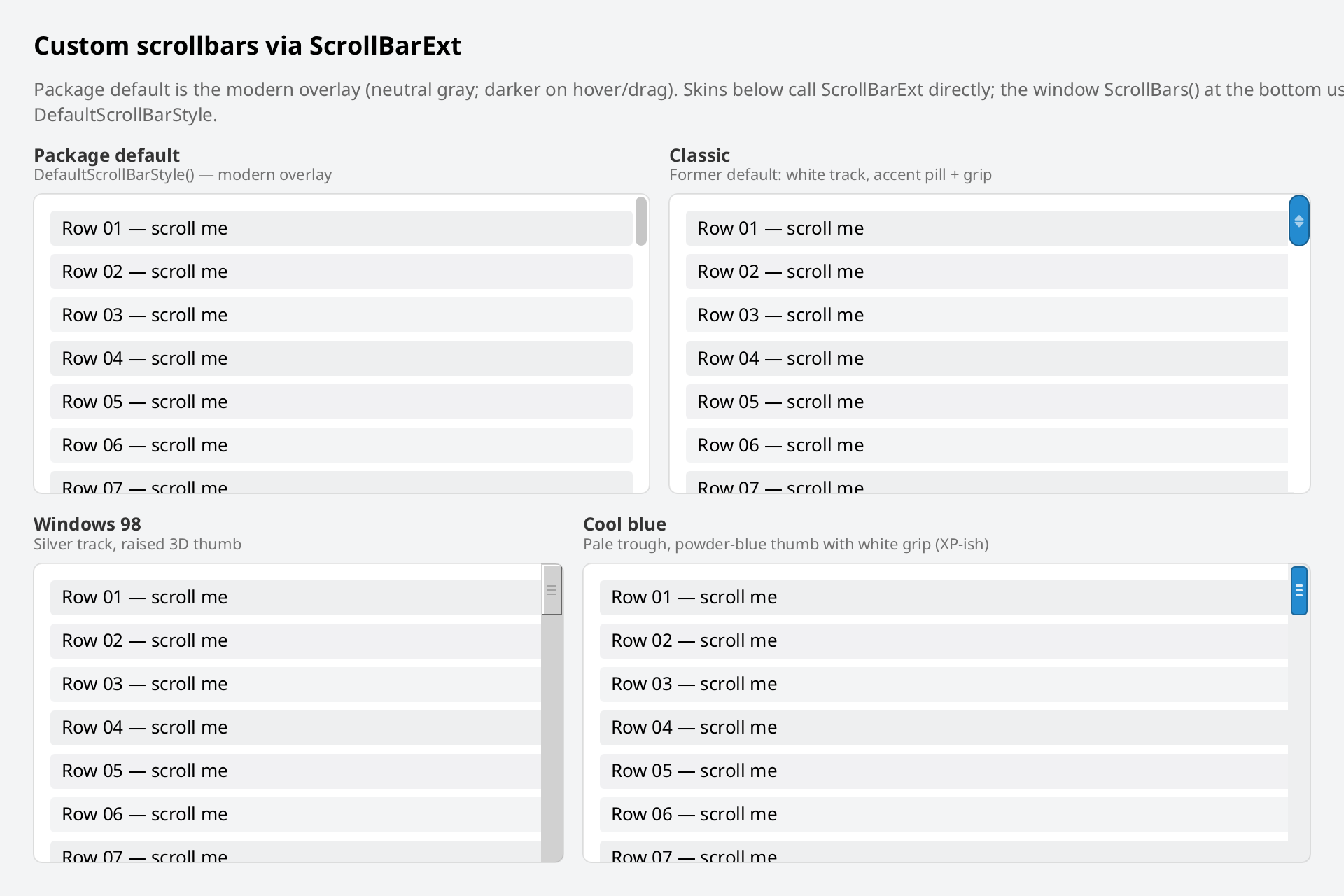
The widget catalog is aimed at developer tooling, not general consumer polish: no rich text, tree widget, or date picker yet.
-
There is no robust theming system. Some widgets take an accent color; custom button styles mean implementing your own (the stock Button is a usable reference). Styling can still be verbose at times.
-
IME (composed input, e.g. Japanese) is supported on macOS and Windows; Linux support is in progress and not yet done.
-
Path picking uses an in-app browser (
DirectoryBrowse), not a native OS file dialog — by design. Directory picking is the common path; file mode exists and is still being polished.
Mobile is under consideration (no decision yet). If it is supported, it will be limited to utility-style apps — not games or rich multi-touch experiences.
The following items are out of scope and will not be supported, at least for the time being:
-
Native OS file dialogs (use the in-app browser instead)
-
Multiple Windows
-
Fancy Graphics
For the full picture — immediate mode concepts, layout mechanics, colors and text styling, interaction, identity and animation, application patterns like tables/selection/background work, and a reference section of common mistakes — see the full tutorial, with runnable code throughout.