
 GitHub
Shirei v0.5
Native backends, real text input, and a foundation rewrite
2026.07.10
Announcing Shirei v0.5.
Shirei is a practical GUI framework for desktop apps as native Go programs — not web pages — with room for flexible, fluid UIs.
Native, Cross-Platform, Immediate-Mode, Flexbox Layout, Robust Text Support.
This release rebuilds most of the foundation under the API: windowing and rendering no longer sit on Gio. Shirei owns four platform backends and one pure-Go software renderer. Along with that come a more solid text input, headless frame capture for tests, quieter idle windows, and a full set of example apps.
A large part of the v0.5 implementation was written with coding agents, under continuous human direction — deciding what to build, judging results, rejecting dead ends, and keeping the design coherent. The volume of change would have been hard to land this quickly without that tooling; the architecture and the final calls stayed human.
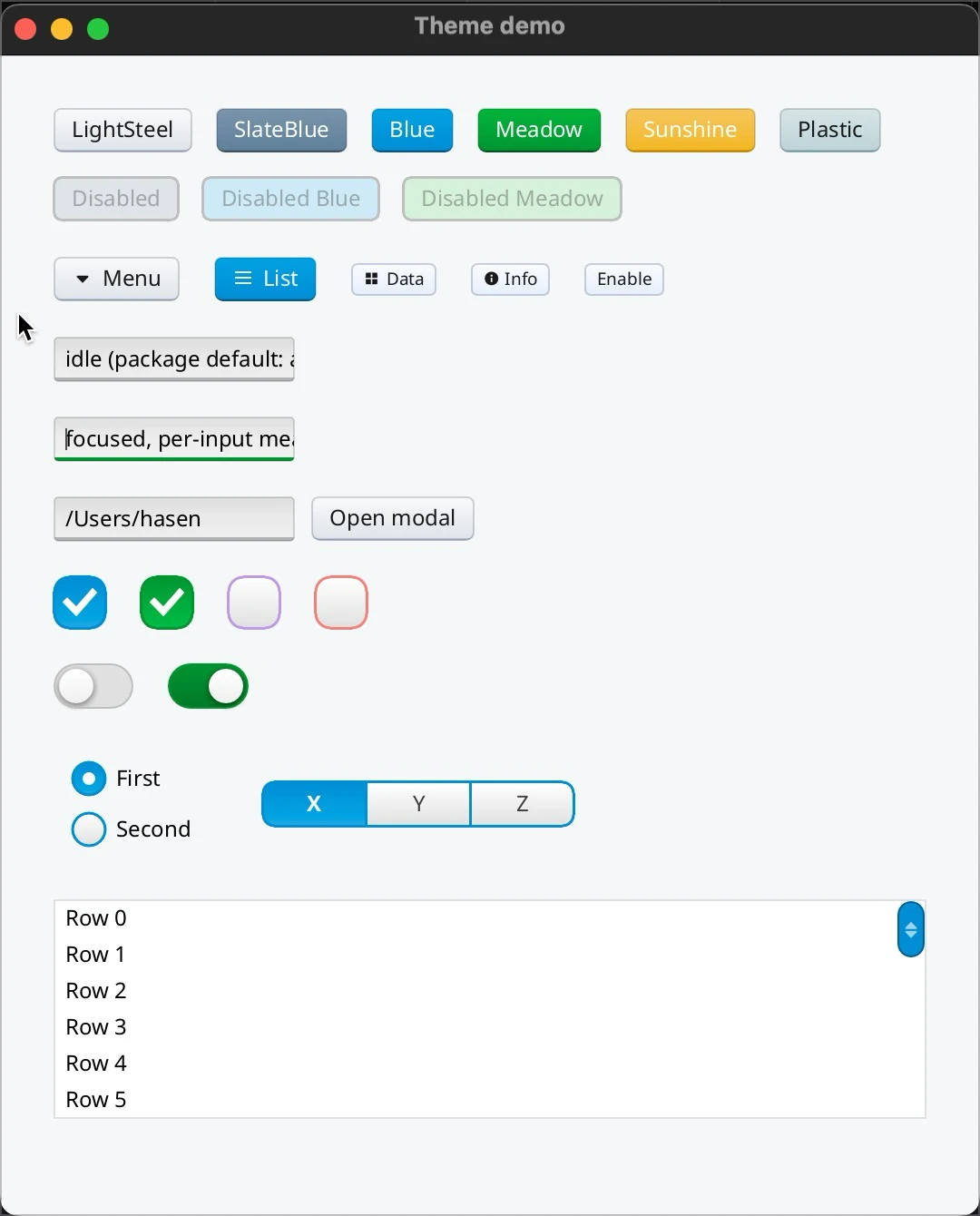
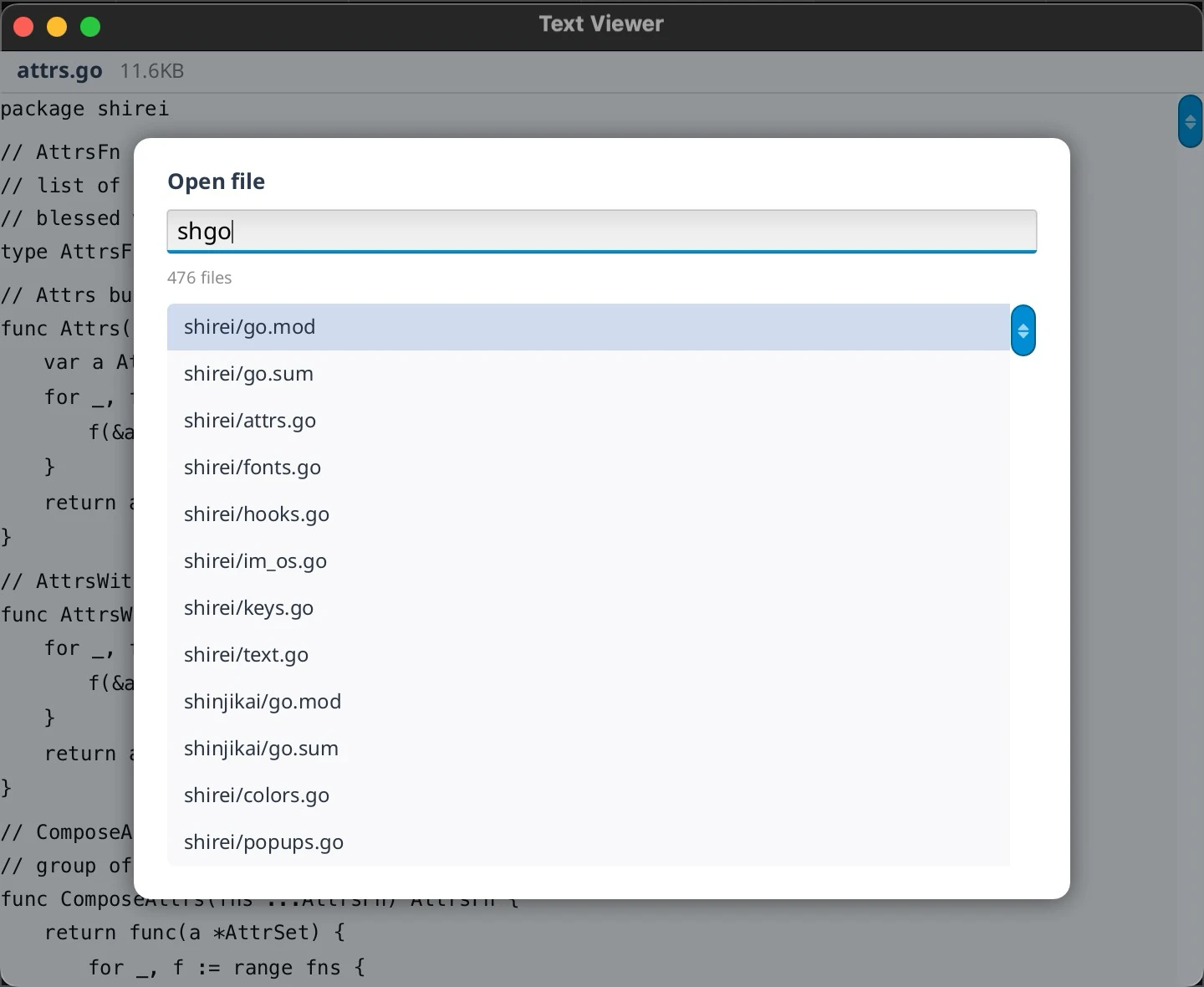
What's new
- Native windowing backends (macOS, Windows, Linux X11 + Wayland)
- Core pure-Go software renderer and headless PNG capture
- Multiline text input with IME on macOS and Windows
- New widgets:
Table,SegmentedControl,Modal,DirectoryBrowse - Identity-tree rewrite, redraw/glyph caches, idle-frame quiescing
- Cross-platform audio (
app.StartAudio) and eight example apps
Windowing and rendering
Shirei used to use Gio for windowing and rendering. It does not anymore.
There are four backends against platform APIs: AppKit (macOS), Win32 (Windows), and both X11 and Wayland on Linux (chosen at runtime). All four feed one core software renderer — a pure-Go path from Shirei's surface list to a pixel buffer. No GPU dependency, and no per-backend rasterizer to keep in sync.
Owning that pipeline makes headless rendering a normal feature: example apps can write a frame to a PNG with no window open.
Linux is first-class. Wayland matches X11 for day-to-day needs (clipboard both ways, HiDPI, client-side decorations for Wayland, etc).
Text input
The text field is no longer a thin demo. Multiline uses the same input with
wrapping, scrolling, vertical caret motion, undo/redo, and grapheme-aware
editing (TextArea is a thin helper on top).
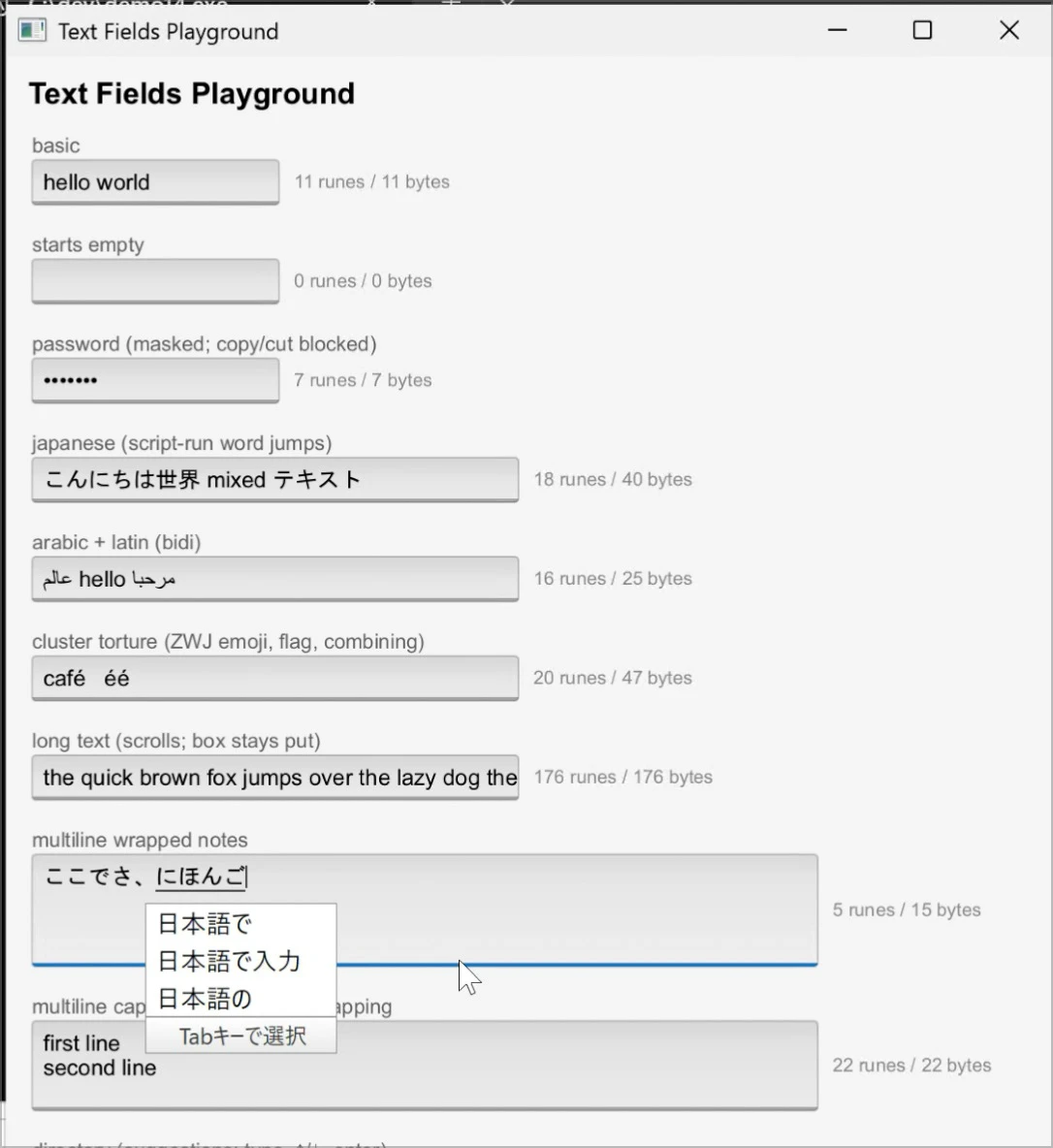
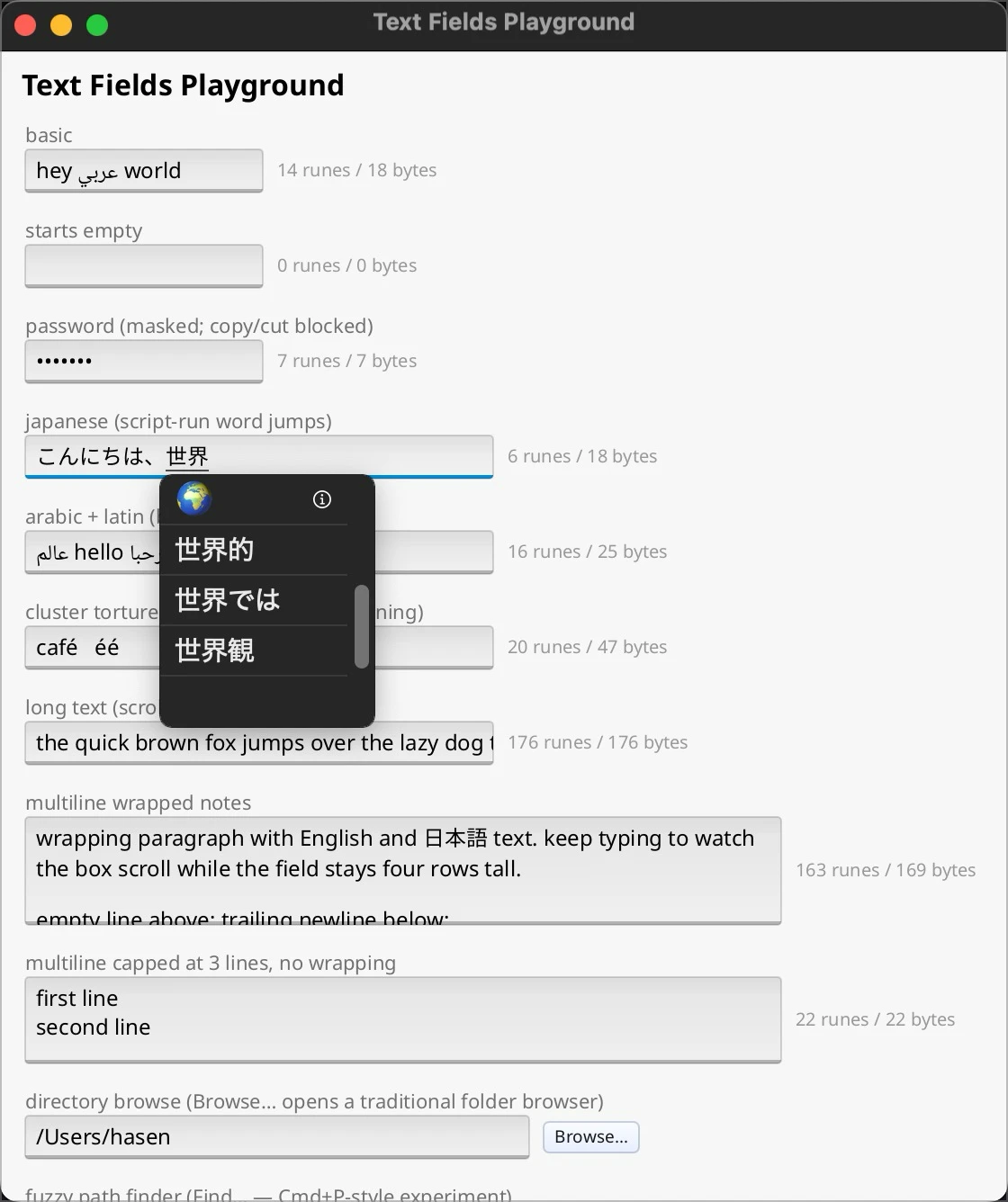
IME composition works on macOS and Windows: Japanese and other composed scripts show the in-progress string inline at the caret. Composition is display-only; it does not pollute undo or the document model. Linux IME is not done yet.
Widgets
New pieces aimed at tool UIs:
Table[T]— generic, sortable tables (process_monitor,see_pprof)SegmentedControl— grown out of the piano's voice pickerModal— centered card over a dimmed scrim via the popup layerDirectoryBrowse— in-app path browser (path field + Browse… dialog). Defaults to folders (dir_weight,haystack); setFiles: truefor regular files. This is the intentional alternative to native OS file dialogs, not a stopgap.
Virtual list, large text, and the rest of the day-to-day set are documented in the tutorial.
Identity and performance
The system that answers “which UI element is which across frames?” (focus, animation, hooked state) was rewritten as an identity tree: stable, value-matched keys scoped to the parent, dynamic string ids fully legal, and duplicate ids reported loudly.
On top of that: a content-addressed partial redraw cache, a shared glyph bitmap cache, and idle-frame quiescing. On a synthetic worst case (a dense rounded, bordered grid), frame time roughly halved with near-zero allocations; a separate render spike went from ~13ms to ~3.5ms and from ~100% CPU to ~32% on the same kind of scene. Idle windows no longer re-render forever (~1% CPU when quiet).
Sound
app.StartAudio(sampleRate, fill) sits next to SetupWindow / Run: pull-based
output on AudioQueue (macOS), ALSA via purego (Linux), and winmm (Windows), with
a watchdog that rebuilds the stream if the OS kills it after sleep. Thepiano example
is the demo instrument — string (Karplus–Strong), flute, and sine voices.
Example apps
This release ships a full examples showcase on the front page:
- haystack — find-in-files into a virtualized list
- process_monitor — live process table on macOS, Linux, and Windows
- see_pprof — native
pprofviewer with a flame graph - see_exe — what modules landed in a built Go binary
- dir_weight — disk usage with a background scan
- fontviewer / icons — system fonts and bundled icon fonts
- piano — keyboard + synth (audio path)
Each card links to source and a README. Start with haystack if you only open one.
Still missing
Release-relevant caveats (full list on the homepage):
- Accessibility — no screen-reader / a11y story yet
- Linux IME — composed input works on macOS and Windows only
- Theming — no flexible styling system; some widgets take an accent color;
custom button looks mean implementing your own (stock
Buttonis a fine reference) - Widget catalog — still developer-tool shaped (no rich text, tree widget, and similar consumer polish)
Native OS file dialogs are out of scope; path picking goes throughDirectoryBrowse. Mobile is under consideration (utility-style only if it
happens). Out of scope for now: multiple windows and fancy GPU graphics.
Try it
go get go.hasen.dev/shirei
Clone github.com/hasenj/go-shirei, run an
example (go run ./examples/haystack), and read thetutorial.
Stars help if you want the project noticed. Issues and feedback from real tools are welcome.
Homepage: judi.systems/shirei