 GitHub
Shirei v0.8
GPU rendering, UI automation, and dark mode
2026.09.24
Shirei v0.8.0 is out.
If this is your first time hearing about it, Shirei is a cross-platform GUI framework for Go.
Here's a screenshot of the process monitor example application, which you can run via the following command, if you have the Go toolchain installed
go run go.hasen.dev/shirei/examples/process_monitor@v0.8.0

What distinguishes Shirei from other frameworks is that it's an immediate mode API at the builder level, not the render level. Unlike all other Go UI frameworks, it does not require the code to hold references to UI widget objects.
For more details, see: "Reconstructive UI"
Since the previous v0.6 announcement in July, Shirei has grown quite a bit. The most important updates are:
- Use of GPU compositor by default for all platform backends (except X11), along with other performance improvements
- UI access tree to enable automation (e.g. end-to-end testing) and provide a basis for accessibility support, in the form of interacting with screen readers.
- Color scheme and (optional) automatic dark mode support, along with more widgets
GPU rendering by default
Shirei now composites windowed UI on the GPU using Metal on macOS and iOS, GLES on Linux Wayland and Android, D3D11 on Windows, and WebGL2 in the browser.
The software renderer code is still there, acting as a fallback renderer if GPU
initialization fails. It can also be triggered by setting the environment variableSHIREI_GPU=0, and is still used for headless snapshots.
X11 still uses the software renderer. I think it's fair to consider it a legacy platform at this point. Given the proliferation of Wayland as the default compositor in most new Linux distributions, it makes no sense to invest time and effort in maintaining top-tier support for X11.
UI automation via access nodes
Shirei strives to enable the production of quality applications by providing tools for automated testing.
The ideal test mimics how the user interacts with the application: looking for an element on the screen, moving the mouse over it, clicking it, hitting tab to focus on the text field, typing the text one character at a time, etc.
To make this possible, we provide:
- The ability to name nodes so an automated test can find the node it wants
- A text interface over UDP that accepts query and input commands
More details are available in the drive tutorial, which shows how to use this in Go tests.
Screen readers: basic control support
The same nodes that provide access to automated tests also form the basis for supporting screen readers.
Shirei's v0.7 release added basic-control support for VoiceOver on macOS, AT-SPI/Orca on Linux Wayland, and UI Automation/MSAA on 64-bit Windows.
Static text and controls such as buttons, toggles, and sliders expose spoken labels, state, focus, and actions. Custom widgets can supply their own metadata; the accessibility tutorial walks through that work.
We do not yet claim complete accessibility support. Key missing features include text editing and selection, advanced list and table navigation.
The accessibility status describes the scope on each platform.
Dark and light color schemes
A dark color scheme (aka dark mode) is useful to have for when someone is using their computer in a low light setting. To make this possible, Shirei v0.8 introduces the concept of a color scheme, and provides a default built-in one for both light and dark mode.
The appearance tutorial covers those choices in detail.
More since v0.6
The releases between v0.6 and v0.8 also bring several practical additions:
shirei_bundlepackages applications for desktop platforms and produces signed iOS IPAs and Android release APKs.- Package-local
Resources/assets included with desktop builds. - Stock widgets have stronger keyboard navigation and visible focus cues.
- Colored emoji, text and font improvements
- Layout and text rendering have had performance passes.
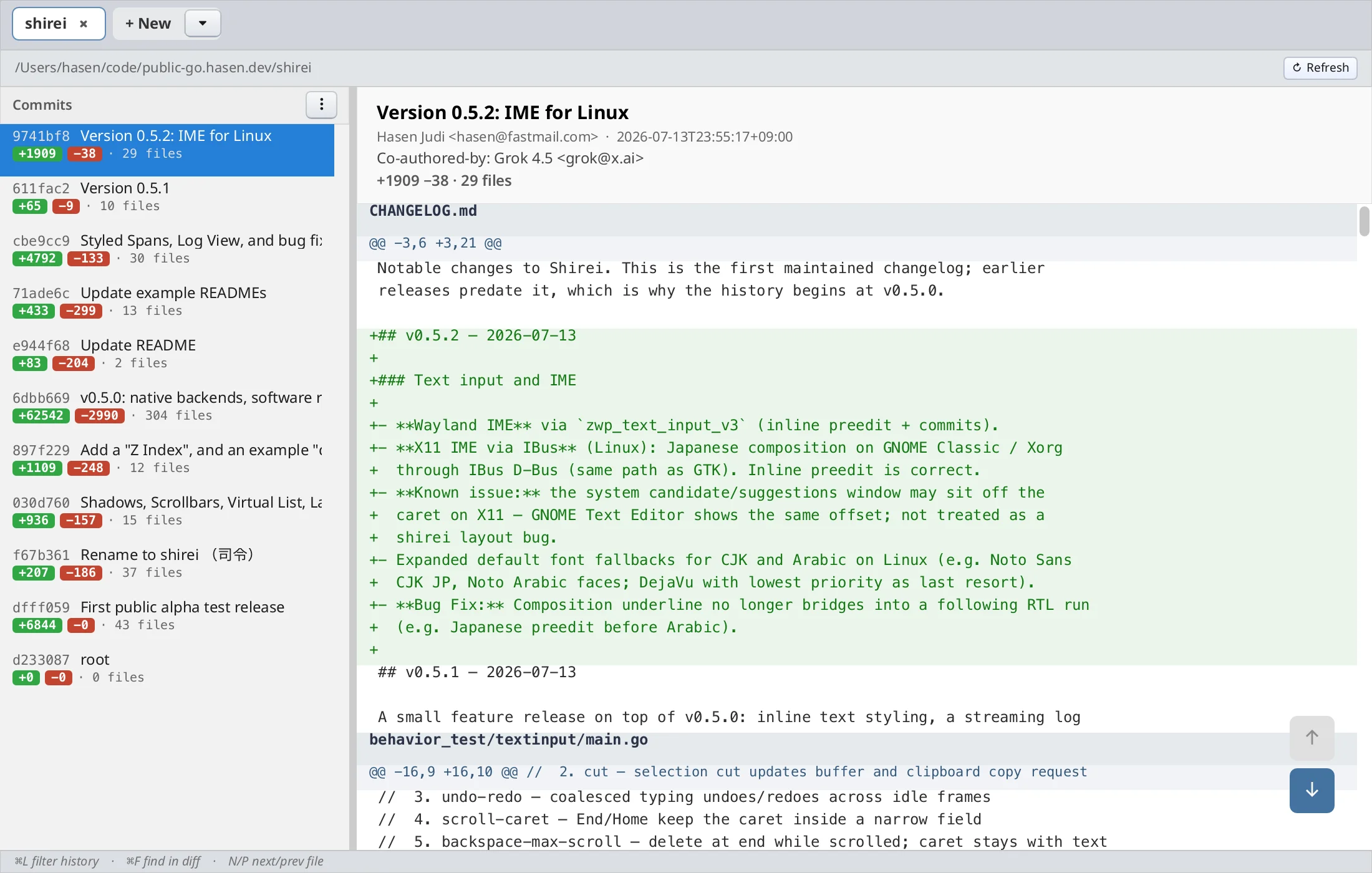
SHIREI_LAYOUT_WARN=1helps locate collapsed layout containers during development.Toast, andProgressBarround out everyday UI work.- Git History, Haystack, Process Monitor, Dir Weight, and Hacker News Reader have updated layouts and appearance. The tutorials now cover appearance and accessibility for custom widgets.
The changelog has the version-by-version detail, and themigration notes cover code changes when upgrading from v0.7.0.